
Update your NELFUND information inside your portal account, through the profile or update section — and do it before the next disbursement, not after a payment has already gone to the wrong place. The information that matters most for updates is the information payments depend on: your bank account, your phone number, your email, and your address.
Not everything on your NELFUND profile is editable by you, and that distinction is the point of this guide. Some details you change yourself in the portal; others — especially identity details tied to NIN, JAMB, or your institution’s records — must be corrected at the source first, or the portal will keep rejecting the change.
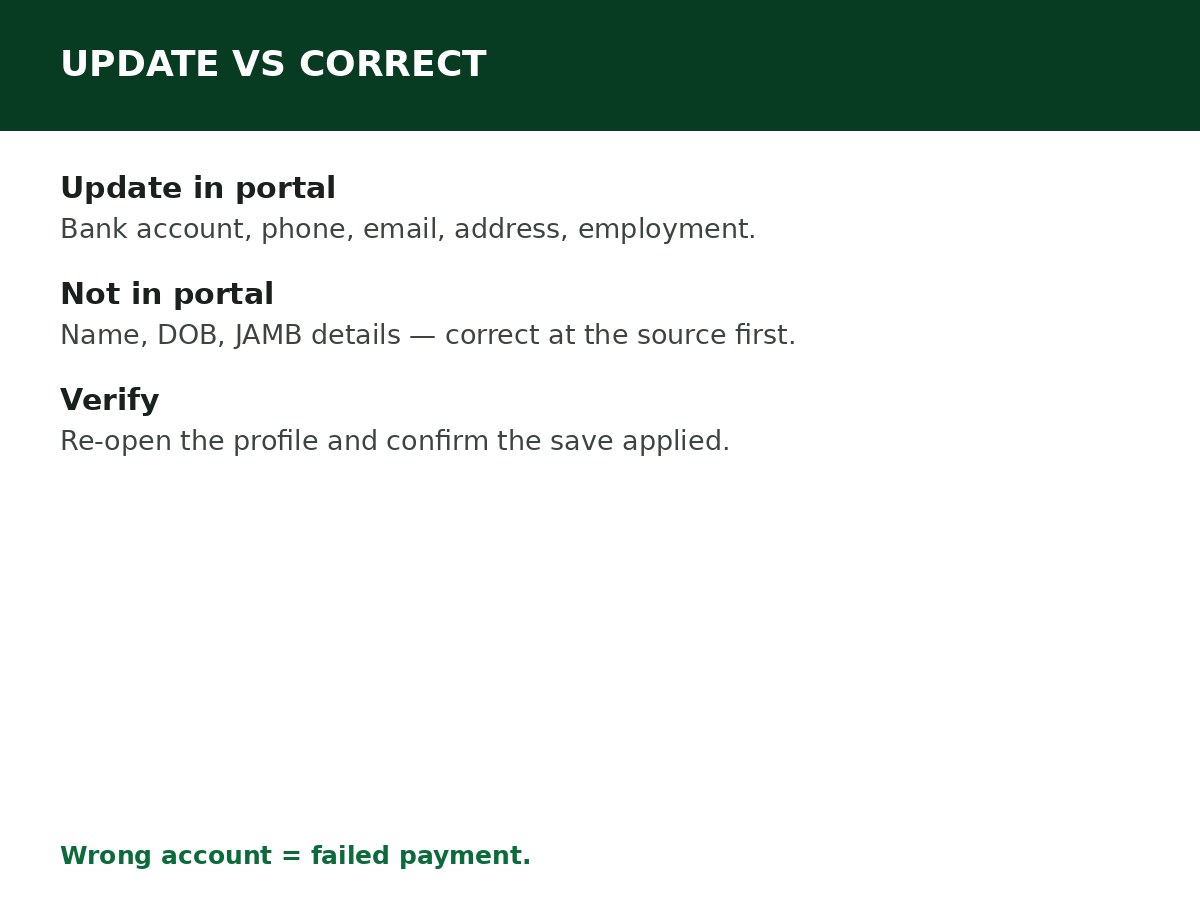
What you can update in the portal
- Bank account details — bank, account number — where your upkeep is paid. Update before the next disbursement, and confirm the change has reflected on your dashboard before assuming the next payment will use it.
- Phone number and email address — your contact details for notifications and recovery. Use a phone number and email you control and will keep.
- Residential address — your current address, as held on your profile.
- Employment details (after graduation) — when you secure employment or become self-employed, update your employment information with NELFUND so the correct repayment arrangement applies. This is covered in detail in the repayment guides.
What you cannot simply edit in the portal
- Your name, date of birth, or NIN details. These are verified against NIMC records. If your NIN record is wrong, correct it at NIMC first, then let the corrected record flow through — editing a name in the portal to differ from your NIN record creates a mismatch, not a fix.
- Your JAMB number or admission details. These are verified against JAMB’s records and your institution’s records. Errors here are corrected through JAMB or your institution, not by typing over them in the portal.
- Your institution or programme. If you transferred institutions or changed programme, your institution’s records must reflect the change before the portal can verify it. Do not select a different institution in the portal to work around a record that has not been updated.
How to update, step by step
Step 1: Log in at portal.nelf.gov.ng with your registered email and password.
Step 2: Open your profile or account settings section. Portal labels change with updates, so follow the current labels for profile, personal information, or bank details.
Step 3: Change only the field that is actually wrong, and enter the new detail exactly as it appears on the official record (bank statement for account details, for example). A single transposed digit in an account number is a failed payment, not a near-miss.
Step 4: Save, then re-open the profile and confirm the change has reflected. Do not assume a save worked — verify it on screen.
Step 5: If the change affects a pending payment (especially bank details), check your dashboard and, if a disbursement is imminent, confirm with NELFUND support or your institution’s NELFUND desk that the new details will be used.
Step 6: If the portal will not accept your change, or the field is not editable, that is information: the detail is likely verified against an external record. Correct it at the source (NIMC, bank, JAMB, institution) and then retry, rather than repeatedly editing the portal field.
When to update
- Immediately when your bank account changes, closes, or was entered wrong — before the next upkeep disbursement.
- Immediately when your phone number or email changes, so you do not lose notifications and account recovery.
- When your employment status changes after graduation — employed, self-employed, or unemployed — because repayment arrangements depend on it.
- At the start of each session, as part of your fresh application: review every profile field before submitting, rather than assuming last session’s details are still correct.
Related Guides & Next Steps
- How NELFUND Loan Repayment Works
- How to Correct Information on NELFUND
- NELFUND Student Loan Requirements
- NELFUND Student Loan 2026/2027: Complete Guide
- NELFUND Frequently Asked Questions
Frequently asked questions
Can I change my bank account on NELFUND? Yes, through your portal profile, before the next disbursement — and confirm the change has reflected before assuming the next payment uses it.
Can I change my name on NELFUND myself? Not reliably, because your name is verified against NIMC and school records. Correct the name at the source (NIMC or your institution) first, then let the portal reflect the corrected record.
I updated my details, but the portal still shows the old ones. What do I do? Re-open the profile to confirm whether the save actually applied. If it did not, check whether the field is verified against an external record, correct it at the source, and retry. If the save applied but a payment still used old details, contact NELFUND support with your application reference and the dates.
Can I update my information after my application is approved? Profile and contact updates are generally possible after approval, but changes to verified identity or academic details may require re-verification. Check your dashboard for any new verification request after an update.
Sources and last update
- Update routes (portal profile section, bank/contact/address updates, source-correction rule for verified identity/academic details), compiled from NELFUND guides and the portal’s account-based structure.
- Specific portal button names are deliberately not asserted as permanent — NELFUND updates the portal layout between sessions.
Last updated: 24 October 2026. Guide — review every session and on every NELFUND portal update.

Written by Olaitan Ilori
Olaitan Ilori is the founder and lead researcher at CareerMedal. He provides verified, practical guides on Nigerian tertiary admissions (JAMB, CAPS, Post-UTME), NELFUND student finance, NYSC service-year survival, and early-career job placement.
View all guides by Olaitan Ilori →