
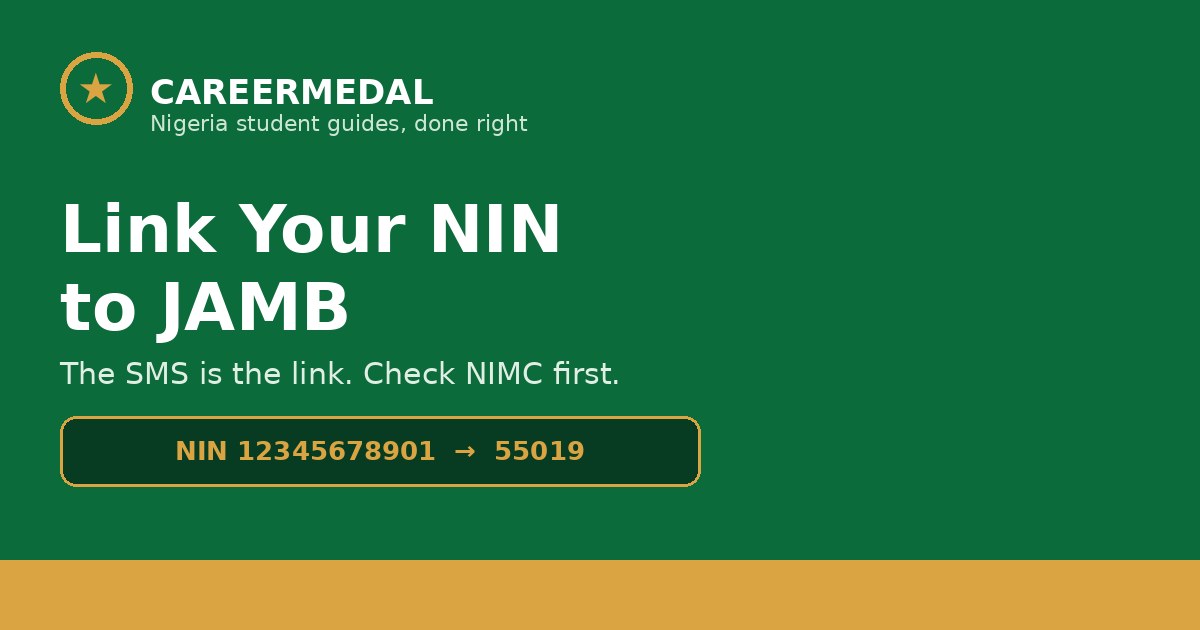
Linking your NIN to JAMB happens when you send your NIN to JAMB by SMS and JAMB creates your profile code from it. There is no separate “link NIN” button to press afterwards — the SMS is the link.
Send NIN 12345678901 — the word NIN, one space, your 11-digit NIN — to 55019 or 66019, from your own phone number. JAMB then pulls your name, date of birth and other details straight from NIMC.
So if you are searching for how to link your NIN, what you actually need to get right is everything around that one SMS: your NIMC record, the phone number you use, and what to do when the details don’t match.
What “linking” really means
When JAMB receives your NIN, it does not ask you to type your name or date of birth again. It retrieves your biodata from the National Identity Management Commission (NIMC) database, exactly as NIMC holds it.
That is why JAMB keeps repeating the same warning: make sure your details are correct before you generate your profile code. Once the code is created, it cannot be changed, and the biodata attached to it stays as NIMC had it.
In practical terms, your NIN is linked to your JAMB profile from the moment that profile code is generated — and your phone number is linked with it.
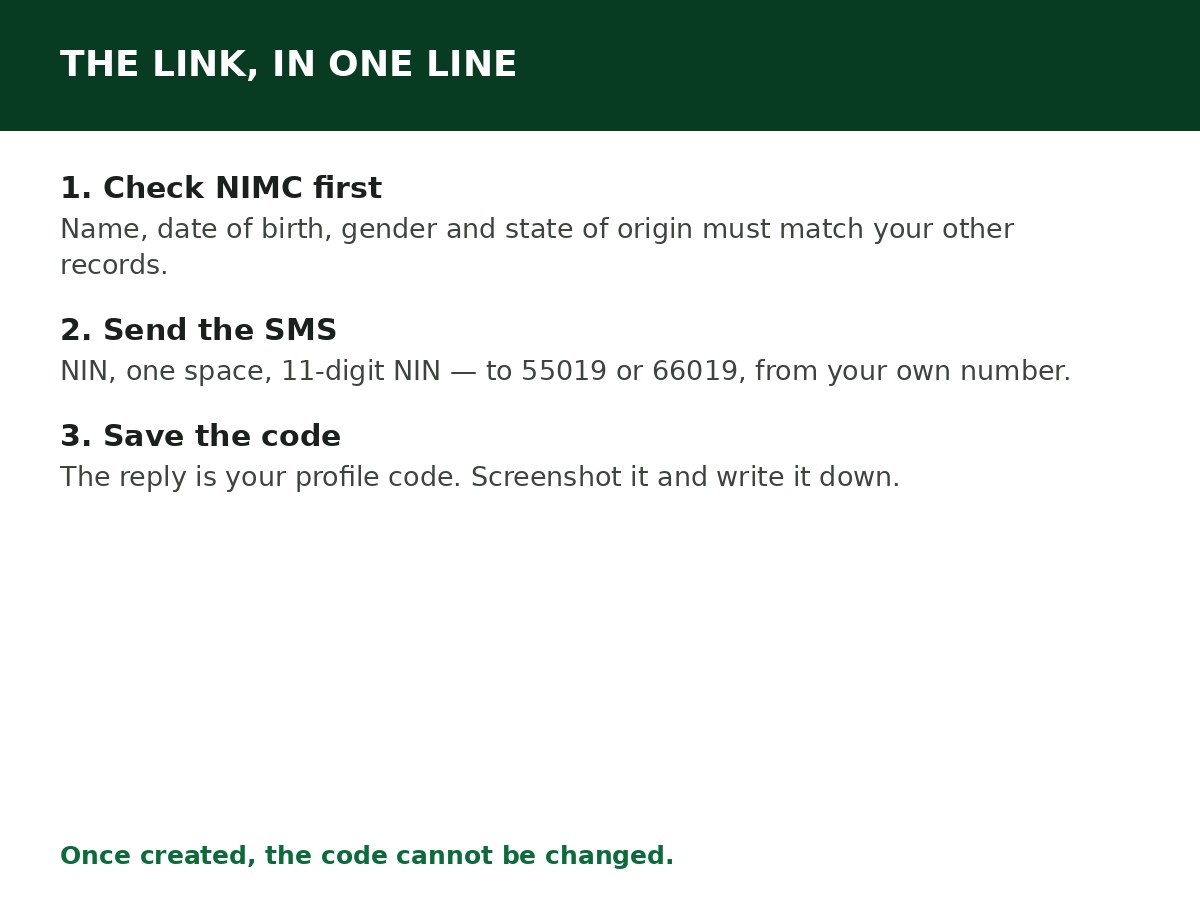
Before you link: the 5-point check
- Name arrangement: Is your surname, first name and middle name in the same order on your NIN as on your O’Level result? A swapped name order is one of the commonest causes of trouble later.
- Date of birth: Does the date on your NIN match your other records? Even a one-year difference can block you.
- Gender and state of origin: Check them too. JAMB lists these specifically among the details that must be correct.
- Your NIN is active on NIMC’s system: If your NIN was only just enrolled, or has never been validated, JAMB may return “record not found”. A visit to a NIMC enrolment centre to validate it fixes that.
- You have the right SIM: Use a number you own and can keep. JAMB treats your phone number and email as unique identifiers — they are not meant to be shared with another candidate or changed midway.
How to link your NIN, step by step
Step 1: Go to a NIMC centre first if anything in the check above is wrong. Correct it there, and confirm the correction has reflected before you continue.
Step 2: On your own phone, open your messaging app.
Step 3: Type NIN, one space, then your 11-digit NIN. Example: NIN 12345678901.
Step 4: Send it to 55019, or 66019 if the first does not respond. Keep at least ₦50 airtime on the line.
Step 5: Save the reply. It contains your 10-character profile code and confirms the link is made. Screenshot it and write the code down.
If your NIN won’t link: problems & fixes
| Problem | Likely cause | Fix |
|---|---|---|
| “Unable to verify NIN” | Temporary JAMB–NIMC network issue, or detail mismatch | Check the number you typed, wait, retry once. If it keeps failing, check your NIMC record |
| “Record not found” | NIN not yet on database JAMB checks, or dormant | Visit a NIMC enrolment centre for validation, then retry |
| “NIN already registered with another number” | NIN used to create profile with a different SIM before | You cannot simply re-link to a new number. Use the original SIM and send RESEND to 55019 |
| Name or date of birth in reply is wrong | NIMC record itself is wrong | Stop before completing registration. Correct it at NIMC first. A CBT centre cannot edit NIMC data for you |
| No reply at all | Network delay, low airtime, or shortcode blocked | Confirm airtime, wait, retry once, and verify shortcode SMS is enabled on your network |
Mistakes that cost candidates a whole cycle
- Using a cybercafé operator’s line: The profile ends up tied to a number you don’t control. Every later JAMB message, result check and recovery goes to that number.
- Sending from several SIMs: Each attempt ties things to a different number. Pick one number, use it, and stay with it.
- Registering first, correcting later: Correcting a name or date of birth after your profile exists is a separate, longer process. The cheap time to fix it is before the SMS.
- Paying an agent to “link” your NIN: There is no paid linking service. The SMS is free apart from standard carrier airtime charges.
Related Guides & Next Steps
- How to Create a JAMB Profile Code (SMS Format & Fixes)
- How to Retrieve a Lost JAMB Profile Code
- JAMB 2027 Registration Requirements
- JAMB 2027 Registration: Requirements, Price and How to Apply
- How to Check JAMB Result Online

Written by Olaitan Ilori
Olaitan Ilori is the founder and lead researcher at CareerMedal. He provides verified, practical guides on Nigerian tertiary admissions (JAMB, CAPS, Post-UTME), NELFUND student finance, NYSC service-year survival, and early-career job placement.
View all guides by Olaitan Ilori →