
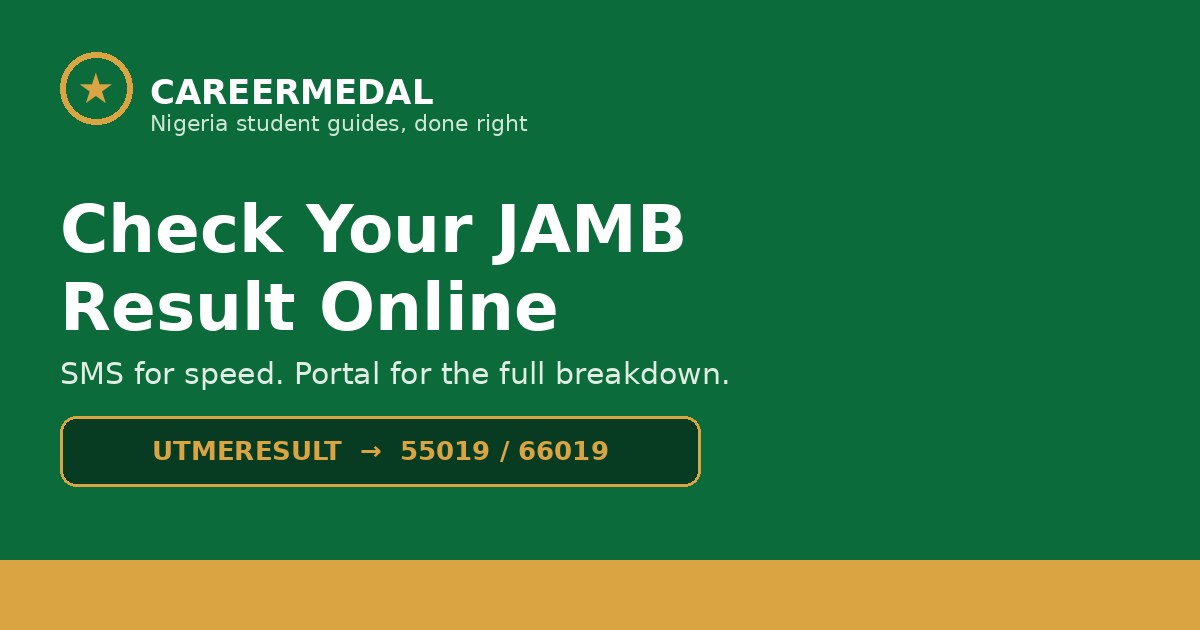
You can check your JAMB result two official ways: by SMS, or online on JAMB’s portal. SMS is fastest on a basic phone; the portal is better if you want to see the full breakdown and print or save it.
Do not use third-party “result checker” sites. They are not JAMB, and some exist only to collect your registration number and phone number. Type JAMB’s addresses yourself, or use the links in this guide.
Method 1: Check by SMS (fastest)
This works on any phone, with or without internet.
Step 1: Use the same phone number you registered with. From any other number, the check will not return your result.
Step 2: Open your messaging app and type, in one word, no spaces:
UTMERESULTStep 3: Send it to 55019 or 66019.
Step 4: Wait for the reply SMS. It shows your total score and your subject scores.
Keep airtime on the line — JAMB deducts the SMS charge, so have at least ₦50 available. Reports differ on the exact charge for a result SMS, so CareerMedal does not state a single figure here; what matters is that the line is funded before you send.
If the reply takes a while, wait. Result days are peak traffic days, and delivery can take minutes. Resending repeatedly does not speed it up.
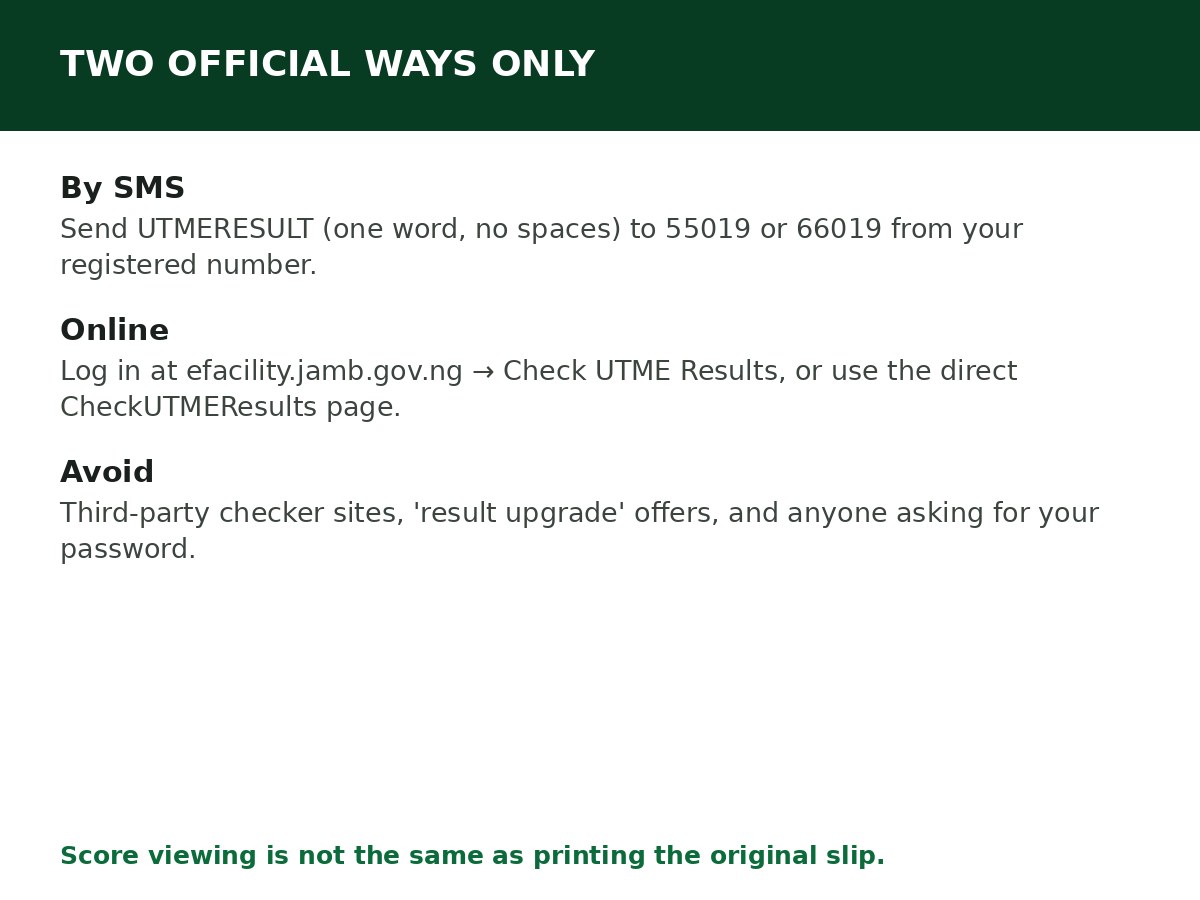
Method 2: Check online on JAMB’s portal
Step 1: Go to JAMB’s e-Facility portal, efacility.jamb.gov.ng, and log in with the email and password you used during registration. Type the address yourself — do not click a result link sent to you on WhatsApp or by SMS.
Step 2: From your dashboard, open Check UTME Results.
Step 3: Your result appears with your total score (out of 400) and your individual subject scores. Screenshot it or write the scores down immediately.
There is also a direct result-check page, slipsprinting.jamb.gov.ng/CheckUTMEResults, where you enter your JAMB registration number or registered email and click Check My Results. If you cannot log in to e-Facility, this is the other official route to try.
What the SMS replies mean
| Reply | Meaning | What to do |
|---|---|---|
| Your result is as follows… | Your result is ready | Note the scores down; check the portal for the full breakdown |
| This phone number was not registered | The number you sent from was not used for registration | Resend from your registered number. If you lost that SIM, recover it from your provider first |
| Result withheld | JAMB has withheld the result | Wait for JAMB’s communication on it. Do not pay anyone who promises to “release” it |
| Candidate absent | JAMB has you recorded as absent | If you sat the exam, raise it at a JAMB office with your exam slip and registration details |
| Result withheld pending upload of necessary documents | A document issue needs resolving | Follow JAMB’s instruction for that case — usually uploading the outstanding document through the proper channel |
| Invalid entrance into the exam hall | JAMB recorded an irregularity | This is a serious flag; raise it through JAMB’s official channels, not through an agent |
If your result is not showing yet
Results are often released in batches, by exam date. If your batch has not landed, “not yet available” does not mean you failed — it means your batch has not been released.
Check again later the same day, and then the next day. If candidates who wrote on your date are seeing results and yours is still missing after a reasonable wait, check the portal as well as SMS — sometimes one route updates before the other.
Original result slip: different from viewing your score
Viewing your score by SMS or on the portal is not the same as printing your original result slip. The slip carries your photo, score, subject breakdown and other details, and most institutions ask for it during admission screening.
Slip printing runs through a separate JAMB portal, slipsprinting.jamb.gov.ng, and JAMB activates it separately from score viewing. Do not pay anyone for a slip before JAMB has enabled printing for your cycle, and do not trust a slip printed from a site that is not JAMB’s.
Scams to avoid on result day
- “Result upgrade” offers. There is no legitimate result upgrade. Anyone offering one wants your money, your registration number, or both.
- Fake checker websites that look like JAMB’s portal. Check the address character by character. JAMB’s portals are on jamb.gov.ng.
- People asking for your e-Facility password. Never share it. A genuine JAMB process does not need your password from you over WhatsApp.
- Charging to “release” a withheld result. Withheld results are released by JAMB, through JAMB’s process, not by payment to a third party.
Related Guides & Next Steps
- How to Check Admission Status on JAMB CAPS
- How to Create a JAMB Profile Code (SMS Format & Fixes)
- JAMB Cut-Off Mark for Universities Explained
- JAMB Subject Combination Guide for All Major Courses
- JAMB Admission FAQs for Nigerian Candidates
Frequently asked questions
Can I check my result with a different phone number? No, not by SMS. The SMS check only works from the number used during registration.
Do I need a scratch card to check my JAMB result? No. The SMS and portal score checks do not require a scratch card. The original result slip is a separate, paid JAMB service when it is enabled.
My score is lower than I expected. Can I remark it? JAMB does not run a remarking process the way WAEC does. If you believe there is a genuine error in your record (not just disappointment with the score), raise it through JAMB’s official channels with your details.
How long is my result valid? A UTME result is for that year’s admission cycle. It does not carry over to the next year — you register and write again for a new cycle.
I forgot my e-Facility password. What do I do? Use the “Forgot Password” link on the login page; JAMB sends a reset link to your registered email. If that email is also inaccessible, visit a JAMB office with a valid ID and your registration number.
What to do next
Once you have your score, the next questions are practical: does it meet your course’s cut-off, and what happens on CAPS? Read JAMB Cut-Off Mark for Universities Explained and How to Check Admission Status on JAMB CAPS next. If you are still choosing a course, check your subjects first in JAMB Subject Combination Guide for All Major Courses.
Sources and last update
- JAMB result-checking guidance as reported across multiple independent guides (UTMERESULT to 55019/66019 from the registered number; e-Facility login; direct CheckUTMEResults page; SMS reply meanings).
- Note on costs: sources conflict on the exact SMS charge (₦50 vs ₦100 in different guides), so this article states only that airtime is required, rather than asserting a figure JAMB has not confirmed in the sources checked.
Last updated: 24 October 2026. Evergreen guide — review every 3–6 months and on every JAMB result release.

Written by Olaitan Ilori
Olaitan Ilori is the founder and lead researcher at CareerMedal. He provides verified, practical guides on Nigerian tertiary admissions (JAMB, CAPS, Post-UTME), NELFUND student finance, NYSC service-year survival, and early-career job placement.
View all guides by Olaitan Ilori →