
Reset your NELFUND password from the login page: click Forgot Password, enter the email you registered with (or NIN, where the portal offers it), open the reset link sent to that email, and create a new password. If no link arrives, check spam first, then check the email spelling — and if the email itself is wrong or inaccessible, recover through NELFUND support with identity proof, not by creating a new account.
Password reset is a short process that goes wrong in predictable ways. This guide covers the normal flow, the common failures, and the support route for the case the normal flow cannot handle.
The normal reset flow, step by step
Step 1: Go to portal.nelf.gov.ng directly and open the login page. Confirm you are on the official portal before entering anything.
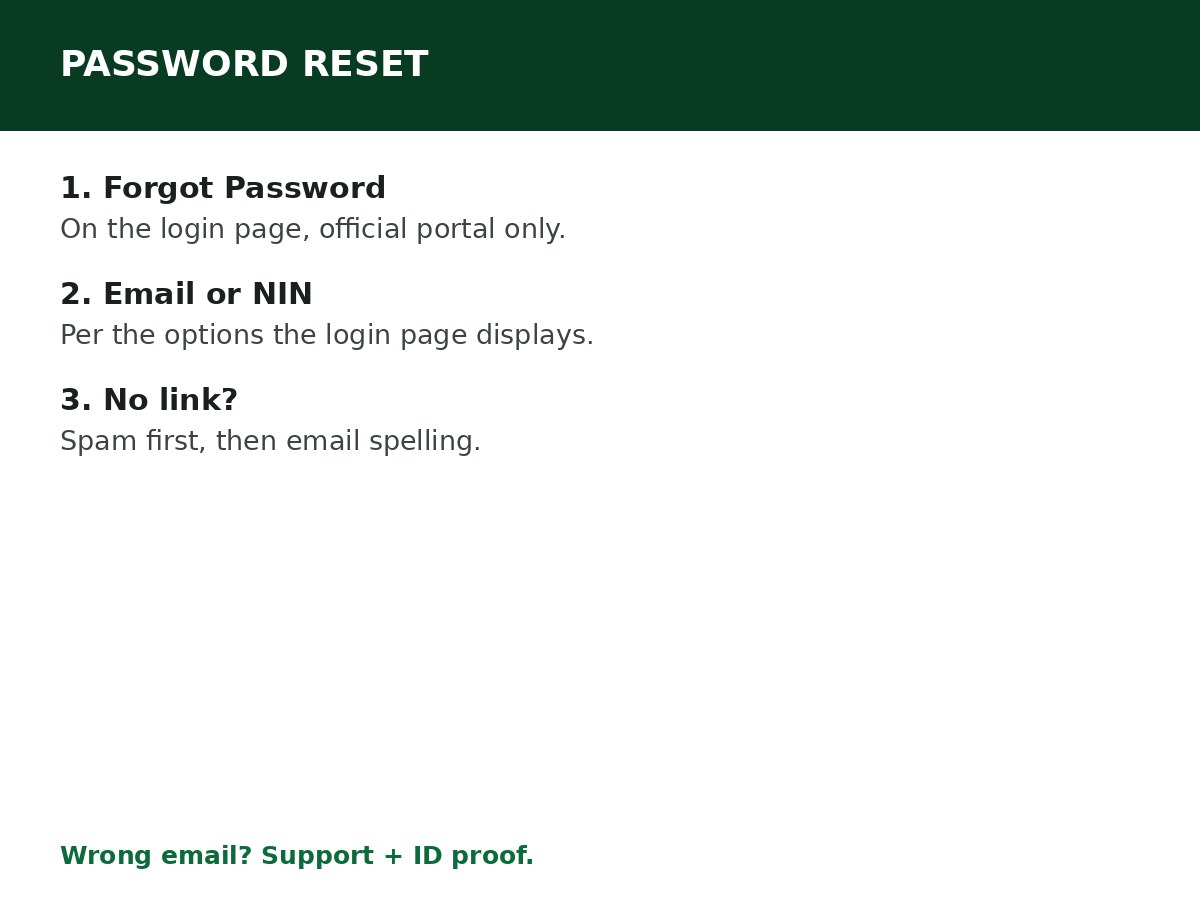
Step 2: Click Forgot Password on the login page.
Step 3: Enter the email address you used during registration. The portal provides password recovery using an email address or NIN, according to the options displayed — use the option that matches your registration.
Step 4: Check your inbox for the reset link. If it is not there within a few minutes, check your spam/junk folder.
Step 5: Open the reset link and create a new password. Use a strong password you have not used elsewhere for a financial account, and one you will remember — a reset that leads straight to another forgotten password helps no one.
Step 6: Log in with the new password, and confirm your dashboard and application are intact. A password reset does not affect your application, your status, or your verification — it only changes the login credential.
If the reset link never arrives
Work through these in order:
- Spam/junk folder. Reset emails are routinely filtered there. Check it before anything else.
- Email spelling. Confirm you entered the exact email from your registration. A single character difference sends the link to someone else’s inbox, or nowhere.
- Wrong account. Confirm you are resetting the account you actually registered with. If you registered in an earlier period, use that account’s email — not a newer email you wish you had used.
- Wait and retry once. Email delivery can be delayed. Wait a reasonable period, then request a resend once, rather than requesting repeatedly in quick succession.
- Browser/device. If the login page itself will not load or submit, clear cookies/cache, update your browser, or switch browsers, as in the login problems guide.
If your email is wrong or inaccessible
The normal flow cannot help you, because the reset link goes to an email you cannot open. Do not create a new account — that complicates verification. Instead, contact NELFUND support. Guides report you will be asked to provide:
- Your full name
- Your NIN
- Your BVN
- Your date of birth
- A screenshot of the issue
- The wrong email currently on the account
- The corrected email you want to use
Support updates the email after confirming your identity. Once updated, you can reset your password through the normal flow and log in. Keep copies of everything you submit, and do not share your password with support or anyone else in the process — support does not need your password to update your email.
Password rules that prevent the next reset
- Use an email you control and will keep for the whole programme, not a temporary or borrowed one. Most reset failures trace back to the email, not the password.
- Use a single active phone number across your records, as guides advise for identity consistency.
- Do not save the password on a shared or cybercafé computer, and log out of the portal and your email account when you finish on a shared device.
- Do not share your password with an agent, a “NELFUND officer” on social media, or anyone offering to reset it for you. A legitimate reset goes through the portal’s Forgot Password flow or support’s identity-proof route — never through a third party holding your password.
Related Guides & Next Steps
- How to Create a NELFUND Account
- NELFUND Login Problems and Solutions
- NELFUND Student Loan Requirements
- NELFUND Student Loan 2026/2027: Complete Guide
- NELFUND Frequently Asked Questions
Frequently asked questions
Can I reset my NELFUND password with my NIN? The portal provides password recovery using an email address or NIN, according to the options displayed on the login page. Use whichever option your registration and the current login page offer.
Will resetting my password affect my application? No. A password reset changes only your login credential. Your application, status, and verification are unaffected.
I requested a reset but got no email. What is the most likely cause? Spam filtering, followed by a misspelled email. Check spam first, then confirm the email spelling against your registration, before assuming a portal fault.
I lost access to my registered email entirely. What do I do? Contact NELFUND support with identity proof (full name, NIN, BVN, date of birth, screenshot, wrong email, corrected email). Support updates the email after confirming your identity — do not create a new account.
Sources and last update
- Reset flow (Forgot Password, email or NIN recovery, inbox/spam check, new password, login), wrong-email support route with identity-proof list, and password hygiene rules, cross-checked across NELFUND guides.
- Support identity-proof list is as reported by guides — confirm the current list with NELFUND support if you use that route.
Last updated: 24 October 2026. Guide — review every session and on every NELFUND portal update.

Written by Olaitan Ilori
Olaitan Ilori is the founder and lead researcher at CareerMedal. He provides verified, practical guides on Nigerian tertiary admissions (JAMB, CAPS, Post-UTME), NELFUND student finance, NYSC service-year survival, and early-career job placement.
View all guides by Olaitan Ilori →