
Most NELFUND login problems have one of four causes: the wrong email, a forgotten password, a locked account after repeated wrong attempts, or a browser/device issue. Work through them in that order, and do not create a second account — a second account is the one move that turns a recoverable login problem into a verification problem.
Login is the gate to everything else: status checking, updates, corrections, and disbursement tracking all happen inside the account. Losing login access feels like losing the application, but in almost every case the application is intact behind a recoverable login.
Problems and solutions
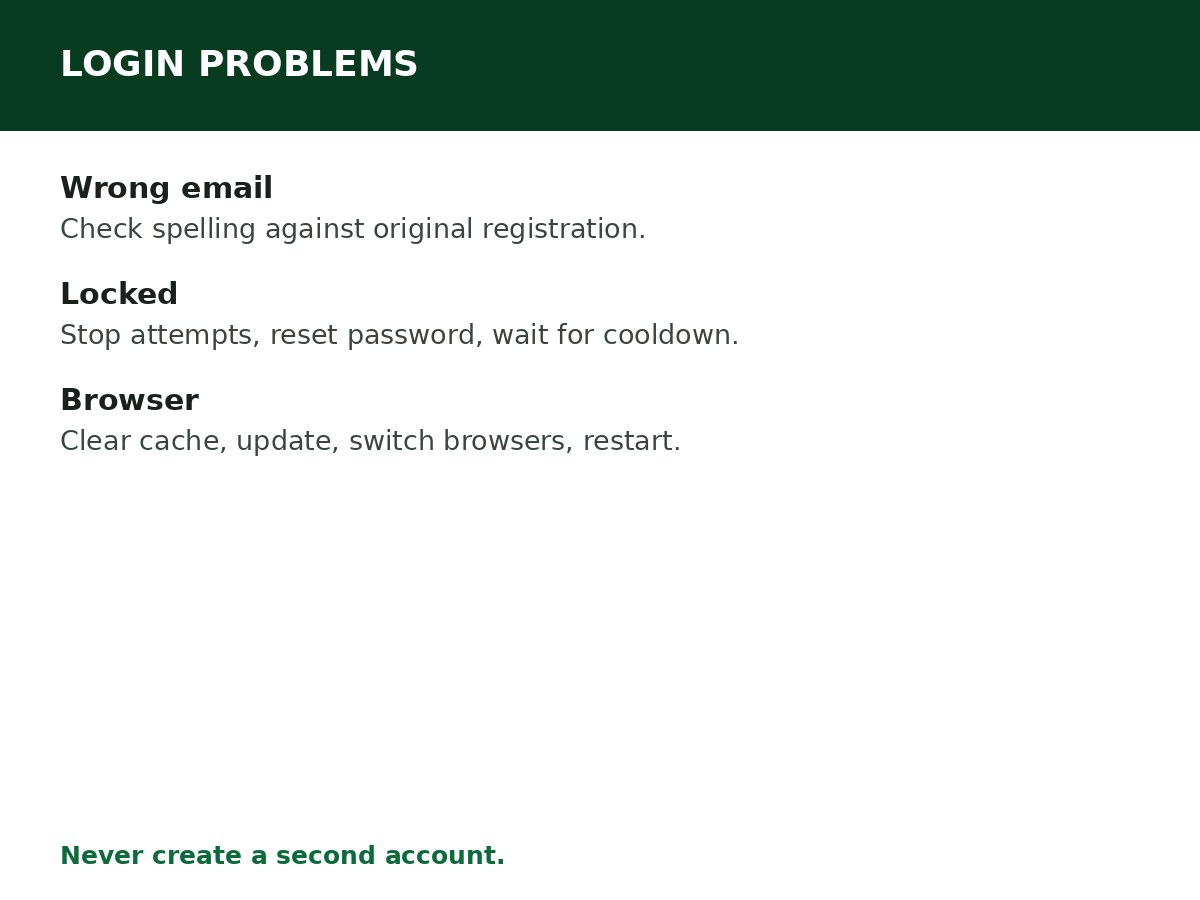
1. Wrong email address. Confirm you are using the email address from your original registration, spelled exactly. A login failure often means the email does not match the account, not that the password is wrong. Check spelling before submitting, and check whether you registered with a different email than the one you are trying now.
2. Forgotten password. Use the password recovery option on the login page — see the password reset guide for the full flow. The portal provides password recovery using an email address or NIN, according to the options displayed on the login page. If no recovery email arrives, check your spam folder and verify you entered the correct email address.
3. Account locked after multiple wrong attempts. Multiple wrong password entries trigger a system lock. The portal usually removes the restriction automatically within a short period. To recover faster: stop trying to log in repeatedly (rushing extends the block), reset your password, and wait for the cooldown period to clear.
4. Browser or device issues. Some blocks are caused by browser problems, and fixing them can restore access instantly: clear browser cookies and cache, update your browser, switch to Chrome if possible, restart your device, and use a stable internet connection. Browser errors can trigger false security alerts that lead to temporary blocks.
5. Identity conflict lock. Identity mismatches between NIN, BVN, school records, and JAMB details can create verification problems that lock the account until the conflict is corrected. The fix is the correction route: ensure names match across all records, correct spelling issues at NIMC or your bank, use a single active phone number, and confirm dates of birth match across documents. This type of block clears once identity consistency is restored — not by repeated login attempts.
6. Email wrong or inaccessible. If you mistyped your email at registration, or lost access to it, you cannot recover the account through the normal reset link — the link goes to an email you cannot open. In that case, contact NELFUND support. Guides report you will be asked to provide your full name, NIN, BVN, date of birth, a screenshot of the issue, the wrong email currently on the account, and the corrected email you want to use. Support updates the email after confirming your identity, and then you can reset your password and log in.
7. Portal not loading at all. Try again during off-peak hours, switch browsers, and confirm you are on portal.nelf.gov.ng. A portal that will not load is not a login failure — do not “fix” it by creating a new account on a lookalike site. Contact official support if the interruption continues, particularly when an application deadline is approaching.
8. Form will not submit, or an error appears after entering NIN/BVN. Review every required field and look for an error message near the affected section. Check that your personal and academic details match your official records. If submission fails without explanation, take a screenshot of the error and check whether your dashboard already shows the application as submitted — this prevents accidental duplicate submissions. Do not repeatedly change your details to force the system to accept them.
The rule that prevents most login damage
One applicant, one account. Do not create a second account because you cannot access the first one. A second account complicates verification, splits your application history, and can block both accounts. Recover the first account — through password reset, cooldown, browser fixes, or support with identity proof — instead.
Also: never share your password or verification details with anyone claiming to be a NELFUND agent. NELFUND does not ask for your password, and anyone who asks for it is not helping you log in.
Related Guides & Next Steps
- How to Check NELFUND Application Status
- How to Correct Information on NELFUND
- NELFUND Password Reset Guide
- NELFUND Student Loan Requirements
- NELFUND Student Loan 2026/2027: Complete Guide
Frequently asked questions
I forgot my password. What do I do? Use the password recovery option on the login page, with your registered email (or NIN, where the portal offers it). Check spam if the reset email does not arrive. Full flow: see the password reset guide.
My account is locked. How long until it unlocks? Guides report the restriction usually clears automatically within a short period. Stop repeated attempts, reset your password, and wait for the cooldown — rushing extends the block.
I registered with the wrong email. Can I still recover my account? Yes, through NELFUND support, with identity proof (full name, NIN, BVN, date of birth, screenshot, wrong email, corrected email). Support updates the email after confirming your identity.
Should I create a new account if I cannot log in? No. Recover the existing account. A second account complicates verification and can block your application.
Sources and last update
- Login problems and solutions (wrong email, password recovery via email/NIN, lock cooldown, browser fixes, identity-conflict lock, wrong-email support route with identity proof, portal loading, form submission errors), cross-checked across NELFUND guides.
- Support identity-proof list is as reported by guides for the wrong-email recovery route — confirm the current list with NELFUND support if you use that route.
Last updated: 24 October 2026. Guide — review every session and on every NELFUND portal update.

Written by Olaitan Ilori
Olaitan Ilori is the founder and lead researcher at CareerMedal. He provides verified, practical guides on Nigerian tertiary admissions (JAMB, CAPS, Post-UTME), NELFUND student finance, NYSC service-year survival, and early-career job placement.
View all guides by Olaitan Ilori →