
Create your NELFUND account on portal.nelf.gov.ng: click Apply Now / Get Started, confirm you are a Nigerian, enter your email and password, and verify your email through the confirmation link. That account is where your entire loan application, verification, and status tracking happen — so create it carefully, with an email you control.
This guide covers account creation only. The loan application itself — verification, profile completion, loan request, and submission — is covered in How to Apply for NELFUND Student Loan.
Before you create the account
- An email address you control and can open immediately (for the verification link).
- A strong password you have not used elsewhere for a financial account.
- Your phone number, which you will need for your profile afterwards.
- Confirmation that you meet the eligibility requirements — see NELFUND Student Loan Requirements. Creating an account does not make you eligible, and an account with a rejected application is not a problem — but it is wasted effort if you could have checked eligibility first.
How to create the account, step by step
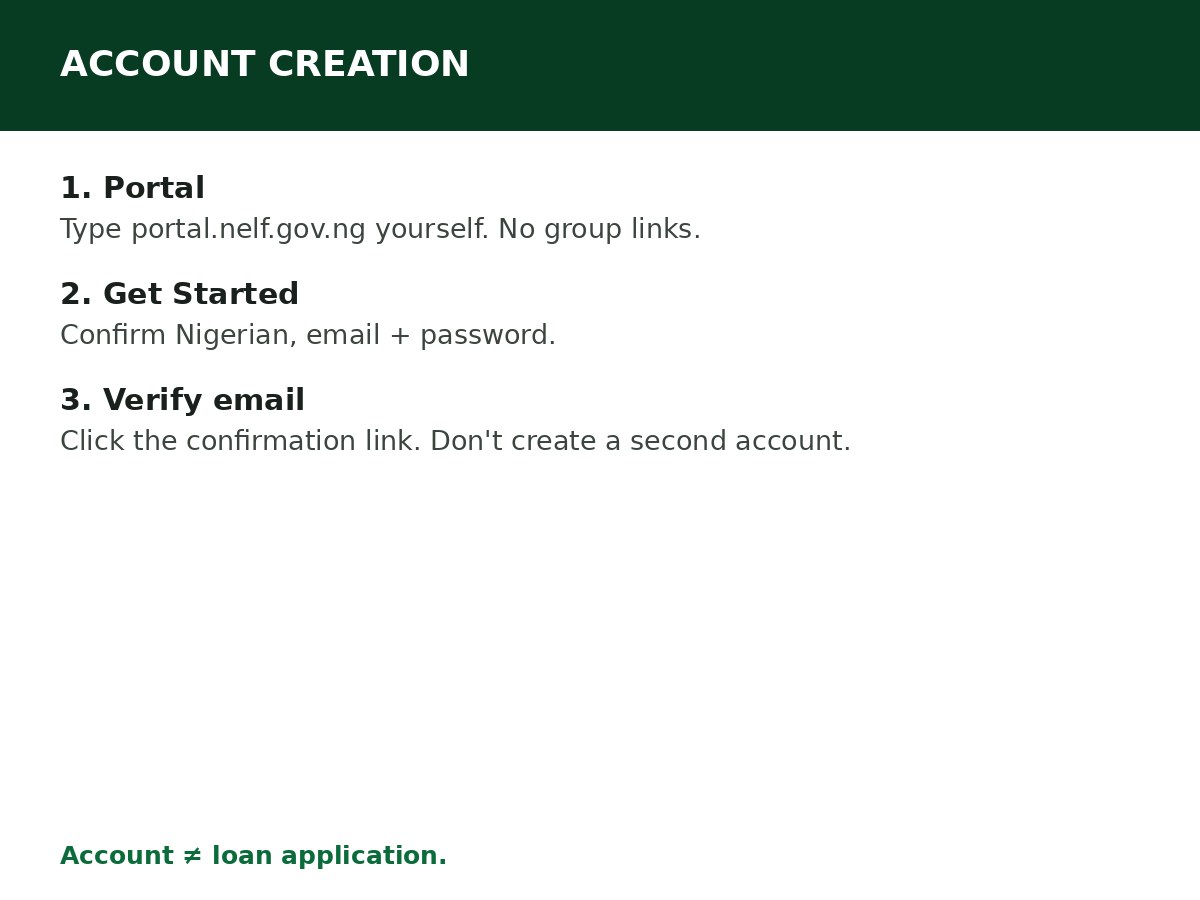
Step 1: Go to portal.nelf.gov.ng directly. Type the address yourself. Do not create an account through a link in a group chat, an ad, or an agent’s site — fake portals harvest emails, NINs, and BVNs.
Step 2: Click Apply Now or Get Started.
Step 3: Answer the eligibility prompt — confirm that you are a Nigerian — when asked.
Step 4: Enter your email address and choose a password. Use an email you will keep for the whole programme, not a temporary or borrowed one. Your loan communications, status updates, and password resets all go to this email.
Step 5: Check your inbox for the confirmation link from NELFUND, and click it to verify your email. If the email does not arrive within a few minutes, check your spam/junk folder, confirm you typed the email correctly, and request a resend if the portal offers one. Do not create a second account with a different email just because the first verification email is slow — that creates two accounts for one applicant.
Step 6: Log in with your verified email and password. You are now inside the portal, ready for identity verification and profile completion — the next steps in the full application guide.
Account security rules
- Never share your portal password with an agent, a “NELFUND officer” on social media, or anyone offering to apply on your behalf. NELFUND does not ask for your password.
- Do not create multiple accounts. One applicant, one account. Multiple accounts create verification confusion and can delay or block your application.
- Keep your email access. If you lose access to the email you registered with, recovering the account becomes difficult. Use an email you control, with recovery options you can access.
- Log out on shared devices. If you use a cybercafé computer to apply, log out of the portal and the email account when you finish, and do not save the password on that computer.
If something goes wrong at account creation
| Problem | What to do |
|---|---|
| Verification email never arrives | Check spam/junk, confirm the email spelling, request a resend if offered. Do not immediately create a second account |
| “Email already registered” | You (or someone with your email) already created an account. Use password reset instead of creating another account |
| Portal will not load | Try again later, preferably off-peak, and confirm you are on portal.nelf.gov.ng. Do not switch to a lookalike site |
| You entered the wrong email | If you cannot verify it, use the portal’s account recovery options, or contact NELFUND through its official channels. Do not pay a third party to “fix” it |
Password problems after account creation are covered in the portal’s own reset flow — see the NELFUND password reset guide when it publishes in a later batch, or use the portal’s Forgot Password option in the meantime.
Related Guides & Next Steps
- How to Apply for NELFUND Student Loan
- NELFUND Student Loan Requirements
- NELFUND Student Loan 2026/2027: Complete Guide
- NELFUND Frequently Asked Questions
- How to Verify Your Student Status on NELFUND
Frequently asked questions
Is creating a NELFUND account the same as applying for the loan? No. Account creation is step one. The loan application — verification, profile, loan request, document upload, terms acceptance, and submission — comes after, inside the same account.
Can I create a NELFUND account before I am admitted? You can create an account, but you cannot complete a loan application until your admission is verified. Admission verification requires your JAMB/matriculation details and admission letter.
Do I need my NIN and BVN to create the account? Account creation itself requires your email and password (plus the Nigerian confirmation). NIN and BVN are required for identity verification and profile completion, which follow immediately in the application.
Can someone create the account for me? They should not. Your NELFUND account holds your NIN, BVN, bank details, and loan terms. Create it yourself, on a device you trust.
Sources and last update
- Account creation steps (portal.nelf.gov.ng, Apply Now/Get Started, Nigerian confirmation, email + password, email verification link), cross-checked across multiple independent NELFUND guides.
- Security guidance is CareerMedal’s own, based on the portal’s account-based structure — not quoted from any competitor guide.
Last updated: 24 October 2026. Guide — review every session and on every NELFUND portal update.

Written by Olaitan Ilori
Olaitan Ilori is the founder and lead researcher at CareerMedal. He provides verified, practical guides on Nigerian tertiary admissions (JAMB, CAPS, Post-UTME), NELFUND student finance, NYSC service-year survival, and early-career job placement.
View all guides by Olaitan Ilori →