

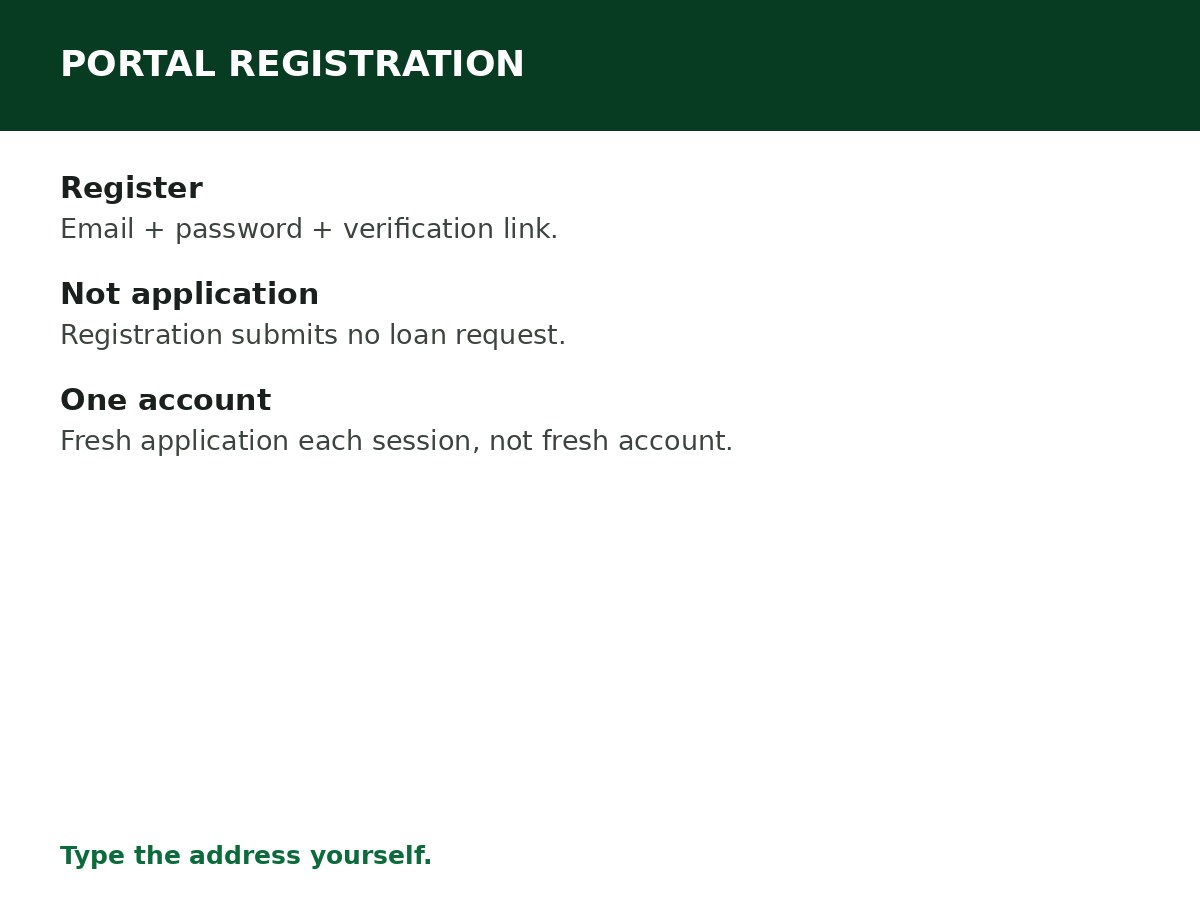
Register on the NELFUND application portal at portal.nelf.gov.ng: open the portal directly, click Apply Now / Get Started, confirm you are a Nigerian, create your account with an email and password, verify your email, and log in. Registration is the doorway to the application — it is not the application itself, and it does not make you eligible.
This guide covers the portal registration specifically: what the portal is, how to register on it, and how portal registration differs from account creation, application, and verification (which have their own guides, linked below).
The portal, correctly identified
- Application portal: portal.nelf.gov.ng — where you register, apply, verify, and track your loan.
- Information site: nelf.gov.ng — NELFUND’s main site, which directs you to the portal.
- Type both addresses yourself. Do not register through a link in a group chat, a social media ad, a search-ad result you have not checked, or an agent’s website. Fake NELFUND portals exist to harvest emails, NINs, BVNs, and bank details, and a fake registration page will accept anything you type.
How to register, step by step
Step 1: Go to portal.nelf.gov.ng directly.
Step 2: Click Apply Now or Get Started.
Step 3: Answer the eligibility prompt — confirm that you are a Nigerian — when asked.
Step 4: Enter your email address and choose a password. Use an email you control and will keep for the whole programme, not a temporary or borrowed one. Your loan communications, status updates, and password resets all go to this email.
Step 5: Check your inbox for the confirmation link from NELFUND, and click it to verify your email. If the email does not arrive within a few minutes, check your spam/junk folder, confirm you typed the email correctly, and request a resend if the portal offers one.
Step 6: Log in with your verified email and password. You are now registered on the portal, ready for the application steps: identity verification, profile completion, loan request, document upload, terms acceptance, and submission — see How to Apply for NELFUND Student Loan.
Registration vs account vs application vs verification
| Stage | What it is | What it does not do |
|---|---|---|
| Portal registration | Creating your portal login (email + password + email verification) | Does not make you eligible, and does not submit a loan request |
| Account creation | The same registration, viewed as your account | Does not verify your student status |
| Application | Verification, profile, loan request, documents, terms, submission — inside the account | Does not guarantee approval |
| Verification | Portal match (JAMB + NIN) + institutional confirmation | Does not disburse money — disbursement follows approval |
Confusing these stages is why students say “I registered but nothing happened” (registration alone submits nothing) or “I applied but was not verified” (application without institutional confirmation stalls at verification).
If registration goes wrong
- Verification email never arrives: spam/junk first, then email spelling, then a resend if offered. Do not immediately create a second account with a different email.
- “Email already registered”: you (or someone with your email) already registered. Use password reset instead of creating another account — see the password reset guide.
- Portal will not load: try again off-peak, switch browsers, and confirm you are on portal.nelf.gov.ng. Do not switch to a lookalike site.
- You entered the wrong email: if you cannot verify it, use the support route with identity proof (full name, NIN, BVN, date of birth, screenshot, wrong email, corrected email) — support updates the email after confirming your identity. Do not pay a third party to “fix” it.
- You registered in an earlier session: log in with that existing account for the new session’s application, rather than registering again. Each session requires a fresh application, not a fresh account.
Related Guides & Next Steps
- How to Apply for NELFUND Student Loan
- How to Create a NELFUND Account
- NELFUND Password Reset Guide
- NELFUND Student Loan Requirements
- NELFUND Student Loan 2026/2027: Complete Guide
Frequently asked questions
Is registering on the portal the same as applying for the loan? No. Registration creates your portal login. The loan application — verification, profile, loan request, documents, terms, submission — happens inside the account afterwards.
Can I register before I am admitted? You can register an account, but you cannot complete a loan application until your admission is verifiable — your JAMB/admission details and your institution’s uploaded records are required for verification.
Do I need to register again every session? No. You register once (one applicant, one account) and submit a fresh application each academic year inside that account.
Is there a fee to register on the portal? No registration fee is reported. Be suspicious of anyone charging you to register or apply — the official portal is where you do both, without a registration charge.
Sources and last update
- Portal registration steps (portal.nelf.gov.ng, Apply Now/Get Started, Nigerian confirmation, email + password, email verification), cross-checked across NELFUND guides and NELFUND’s portal-opening announcements.
- Stage distinctions (registration vs application vs verification) are CareerMedal’s structuring of the portal’s own flow, to prevent the commonest registration misunderstanding.
Last updated: 24 October 2026. Guide — review every session and on every NELFUND portal update.

Written by Olaitan Ilori
Olaitan Ilori is the founder and lead researcher at CareerMedal. He provides verified, practical guides on Nigerian tertiary admissions (JAMB, CAPS, Post-UTME), NELFUND student finance, NYSC service-year survival, and early-career job placement.
View all guides by Olaitan Ilori →