

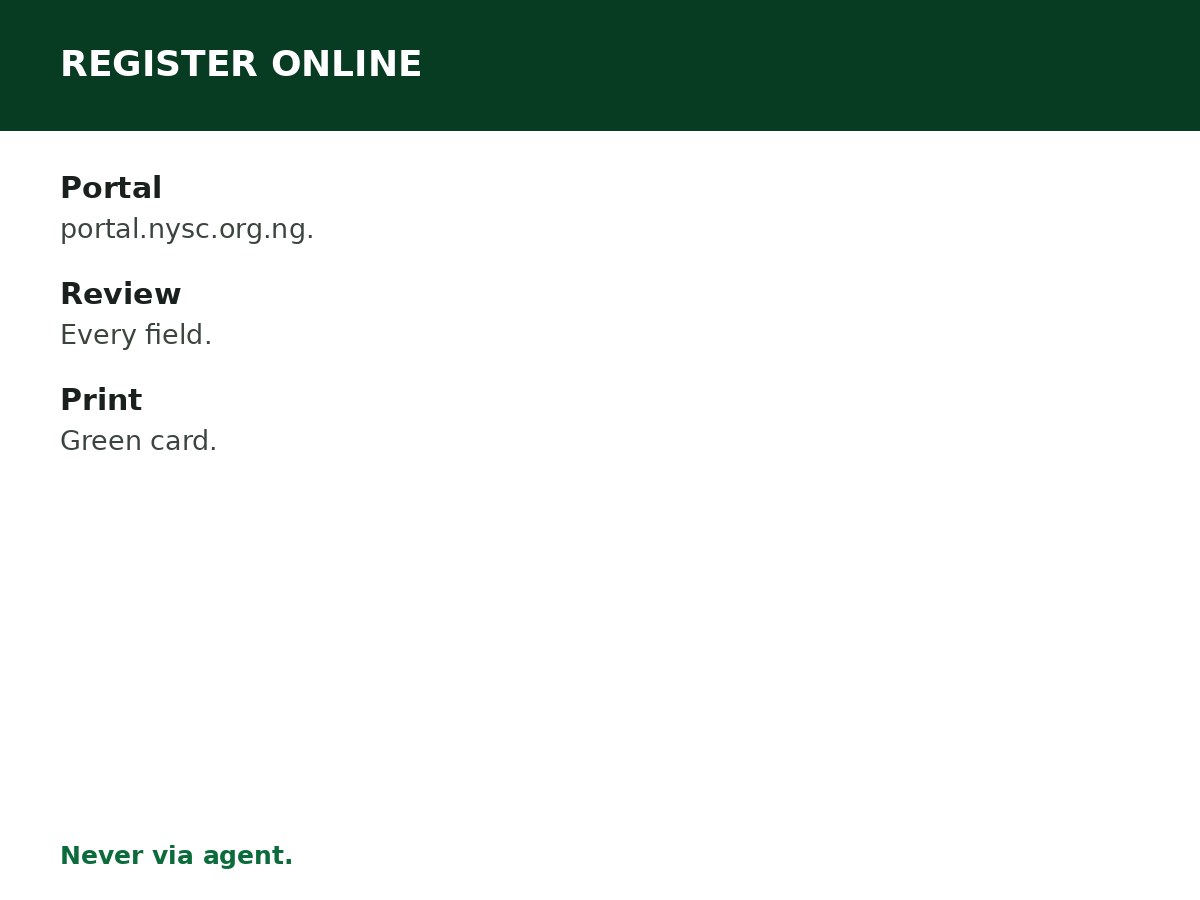
Registering for NYSC online means: portal.nysc.org.ng, your own account, your details exactly as on your certificate, documents uploaded, biometrics captured, green card printed. This is the step-by-step version — follow it in order, and do not skip the review step.
Step by step
- Check the senate list — confirm your name, course, and graduation details are uploaded by your institution.
- Visit portal.nysc.org.ng — typed directly, never via a forwarded link.
- Create your account — with your own email and phone number. You will use this account for your call-up letter, deployment, and clearance.
- Fill your details — personal, academic, and institution details, exactly as they appear on your certificate and senate-list entry.
- Upload documents — degree certificate or statement of result, identification, passport photograph, in the formats the portal states.
- Complete biometric capture — as the portal directs for the batch.
- Review every field — name spelling, date of birth, course, institution, and state of origin. Errors here become correction cases later.
- Submit and print your green card — keep it safe; you will need it at camp.
Mistakes to avoid
- Agent-filled forms — errors from agents are your errors.
- Skipping the review step — most registration errors are caught at review, not after submission.
- Wrong email or phone — you lose access to your dashboard, call-up letter, and allowance notifications.
- Registering before your senate-list entry is ready — the portal will reject you, and you will wait for the next batch.
Before you open the portal
- Confirm your senate-list entry is present and correct.
- Have your documents scanned or photographed clearly, in the formats the portal states.
- Have a recent, clear passport photograph ready.
- Use a device and connection you trust, with enough time to complete the form in one sitting — rushing causes the errors that cost batches.
- Use your own email and phone number, and keep them accessible — verification messages go there.
On the portal: screen by screen
Account creation — your own email and phone number; this account serves you for the whole service year. Bio-data — personal details exactly as on your certificate and ID. Academic details — institution, course, graduation year, exactly as on your senate-list entry. Uploads — certificate or statement of result, identification, passport photograph, in the stated formats. Biometrics — fingerprint capture, as the portal directs for the batch. Review — read every field back, slowly: name spelling, date of birth, course, institution, state of origin. Submit — then print your green card immediately and save a copy. If the portal reports an error at any screen, read the error message before retrying — repeated blind retries do not fix a document or detail problem.
After submit: what to print and keep
- Green card — your registration summary. Print it, and keep a digital copy. You will present it at camp.
- Dashboard login — saved somewhere safe, for the full service year.
- Payment or submission confirmation — whatever the portal issues for your batch, kept with your green card.
- Your call-up number — when it appears on your dashboard, note it down separately. You will need it for your call-up letter and camp verification.
Related Guides & Next Steps
- NYSC 2026 Batch A, B and C: Complete Guide
- NYSC FAQs for Prospective Corps Members
- NYSC Senate List: How to Check Your Name
- How to Resolve NYSC Senate List Problems
- NYSC Registration Requirements
Frequently asked questions
How do I register for NYSC online? On portal.nysc.org.ng, typed directly: create an account, fill your details, upload documents, capture biometrics, review, submit, and print your green card.
What is the NYSC portal address? portal.nysc.org.ng — typed directly, never via a forwarded link.
Can I register for NYSC on my phone? Yes, where the portal supports it — but review every field carefully on a screen you can read, and complete biometric capture as the portal directs.
What happens after I submit my NYSC registration? Your call-up number appears on your dashboard, then your call-up letter when released — it carries your camp, state, and reporting date.
Can I edit my NYSC registration after submitting? Only through NYSC’s correction process — see the correction guides. Review before submitting, so you do not need corrections.
Sources and last update
- NYSC portal: portal.nysc.org.ng (typed directly — never via a forwarded link).
- Dates, deadlines, and camp details change every batch — the NYSC official timetable for the batch governs, and no batch-specific date is asserted anywhere in this article, deliberately.
- Scam patterns: agents, fake call-up letters, and payment demands to personal accounts are red flags — NYSC registration is done by the graduate, on the official portal.
- No mobilisation, deployment, or exemption outcome is promised anywhere in this article.
Last updated: 24 October 2026. Guide — review every batch cycle, and on every NYSC timetable announcement.

Written by Olaitan Ilori
Olaitan Ilori is the founder and lead researcher at CareerMedal. He provides verified, practical guides on Nigerian tertiary admissions (JAMB, CAPS, Post-UTME), NELFUND student finance, NYSC service-year survival, and early-career job placement.
View all guides by Olaitan Ilori →