
Your student status on NELFUND is verified when the portal matches your JAMB number and NIN against your admission, and your institution confirms you are enrolled. Until both checks pass, your loan cannot be disbursed — no matter how complete the rest of your application is.
Verification is where most NELFUND applications stall. The causes are almost always mundane: a name spelled differently in two systems, an institution that has not yet confirmed enrolment, or a JAMB number entered incorrectly. This guide walks through the checks in order, so you can find which one is holding yours.
The two checks, explained
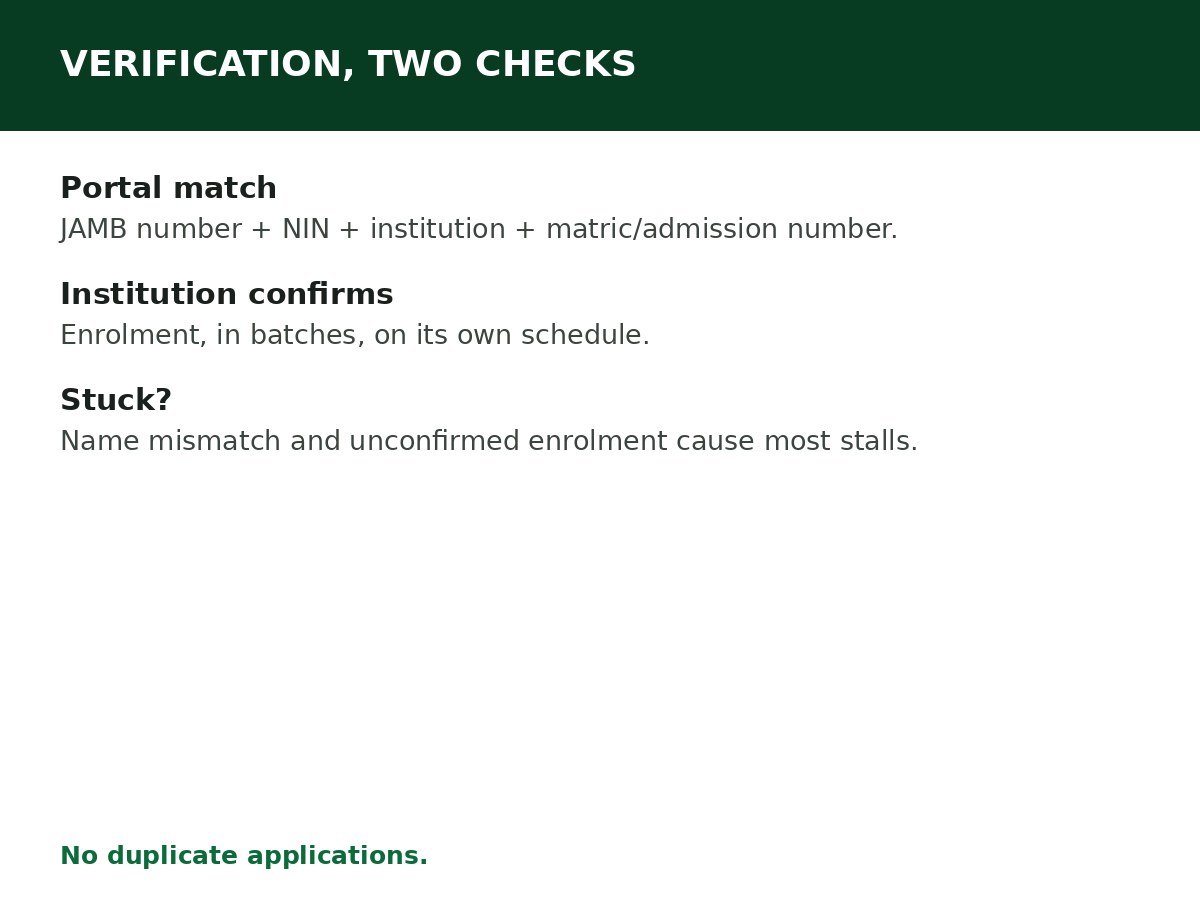
Check 1: Identity and admission match (portal side). After logging in, you authenticate with your JAMB registration number and NIN, select your institution from the dropdown, and enter your matriculation or admission number. The portal cross-checks these against JAMB’s and NIMC’s records. Your name on NIN must match your school records, and your JAMB number must match the admission the portal is verifying.
Check 2: Institutional confirmation (institution side). Your institution must confirm that you are enrolled — that you are a current student of that institution, in the programme you claimed. This is not automatic on submission. Institutions confirm in batches, on their own schedules, and a loan cannot be disbursed until this confirmation is in.
Both checks must pass. A perfect portal match with no institutional confirmation still stalls, and an institutional confirmation with a mismatched JAMB number still fails.
How to complete verification, step by step
Step 1: Log in at portal.nelf.gov.ng with your verified account — see How to Create a NELFUND Account.
Step 2: Enter your JAMB registration number exactly as it appears on your JAMB admission letter. Check every digit — a single transposed digit is a failed match, not a near-miss.
Step 3: Enter your NIN, and confirm the name the system shows matches your school records. If it does not, stop and fix the name mismatch before proceeding — see the mismatch section below.
Step 4: Select your institution from the dropdown list. Select the exact institution name, not a similar one. If your institution is not listed, it may not be a participating institution — check with the institution rather than selecting a different one.
Step 5: Enter your matriculation number (returning students) or admission number (new students), as the portal asks for your case.
Step 6: Upload your admission letter (clear scan) and any other document the portal asks for, then submit for verification.
Step 7: Track your status inside your account, in the loans section. If it shows institutional verification pending, the ball is with your institution — follow up with your institution’s student affairs or bursary unit, politely and with your application details to hand, rather than resubmitting a new application.
If verification fails or stalls
| What you see | Likely cause | What to do |
|---|---|---|
| JAMB verification failed | JAMB number wrong, or admission not matching JAMB’s record | Re-enter the number from your admission letter, digit by digit. If it still fails, confirm with JAMB/institution that your admission is on JAMB’s record — see JAMB Regularisation if it is not |
| Name mismatch | NIN name differs from school records | Fix the source: NIMC for NIN errors, your institution for school-record errors. Do not submit with a known mismatch and hope |
| Institution not confirming | Institution has not processed its batch yet | Follow up with your institution’s relevant unit. Do not create a second application — it does not speed up the first |
| “No school information found” | Institution data not yet uploaded, or wrong institution selected | Confirm you selected the correct institution, then check with the institution whether its student data has been uploaded to NELFUND |
| Stuck for weeks with no change | Either check above, or a document problem | Re-check your uploaded documents for clarity, confirm your institution has your details, and contact NELFUND through official channels with your application reference |
Related Guides & Next Steps
- How to Apply for NELFUND Student Loan
- How to Create a NELFUND Account
- JAMB Regularisation: Requirements and Process
- NELFUND Student Loan Requirements
- NELFUND Student Loan 2026/2027: Complete Guide
Frequently asked questions
How long does NELFUND verification take? It depends on both checks. The portal match is quick when details are correct; institutional confirmation depends on your institution’s batch schedule. Guides report disbursement typically within about 30 days of approval, but verification itself has no fixed published duration — check your portal status regularly.
Can I verify my student status before I am admitted? No. Verification requires an admission to verify against — a JAMB number, an admission letter, and an institution that can confirm you.
My institution confirmed me, but the portal still shows pending. What now? Allow time for the portal to reflect the confirmation, then contact NELFUND through official channels with your application reference if it persists. Do not submit a duplicate application.
Does verification need to be repeated every session? Under NELFUND’s per-session guidelines as reported, you reapply for upkeep and institutional charges at the start of each academic year, which involves fresh verification for that session. Confirm the current session’s process on the portal.
Sources and last update
- Verification steps (JAMB + NIN authentication, institution dropdown, matric/admission number, institutional confirmation as a separate batch step), cross-checked across multiple independent NELFUND guides.
- Failure modes are compiled from the troubleshooting topics in NELFUND’s own cluster (JAMB verification failed, no school information found) and the verification structure described by those guides.
Last updated: 24 October 2026. Guide — review every session and on every NELFUND portal update.

Written by Olaitan Ilori
Olaitan Ilori is the founder and lead researcher at CareerMedal. He provides verified, practical guides on Nigerian tertiary admissions (JAMB, CAPS, Post-UTME), NELFUND student finance, NYSC service-year survival, and early-career job placement.
View all guides by Olaitan Ilori →