
To apply for Post-UTME successfully: choose the institution as your first choice on JAMB (or complete a change of institution first), buy the screening form on the institution’s official portal only, fill it with your JAMB and O’Level details exactly as they appear on your records, upload your results, pay the screening fee through the portal’s official channel, print your acknowledgement slip, and prepare for the screening format your institution actually uses — exam, online screening, or physical screening.
Post-UTME is not a second JAMB. It is each institution’s own screening, run on its own timetable, with its own format and fee. Treating it as a uniform national exam is the first mistake.
Before you apply
- First-choice rule. Most institutions screen only candidates who chose them as first choice on JAMB. If the institution is not your first choice, complete a change of institution on JAMB’s e-Facility (and at an accredited CBT centre/JAMB office) before the screening window closes — a screening application to an institution that is not your first choice is usually wasted effort.
- Meet the institution’s minimum cut-off. Each institution sets its own minimum UTME score for screening consideration (the 2026 policy-meeting figures range from 150 at the floor to 220 at the top). Meeting the minimum qualifies you to be screened; it does not guarantee admission — departmental cut-offs for competitive courses run higher.
- Confirm the screening format. Some institutions run a written Post-UTME exam; others run screening only (O’Level + UTME aggregate, no exam); some run physical document screening. Your preparation depends entirely on which format your institution uses this session — check its official admission page, not a blog summary.
- Have your documents ready: JAMB result slip, O’Level result(s) (or awaiting-result status, if permitted), birth certificate or age declaration, local government identification where required, and a passport photograph. Uploaded documents must match the names and numbers on your JAMB record.
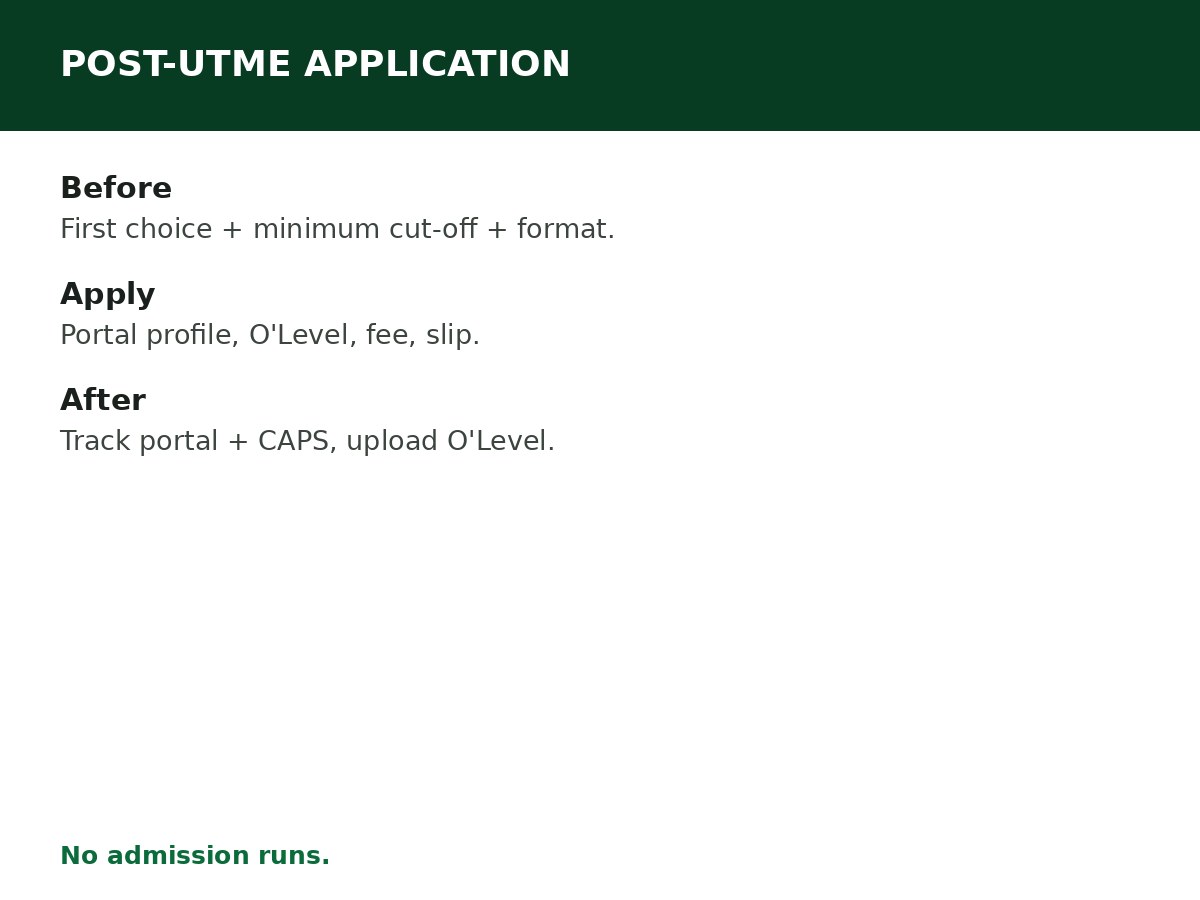
How to apply, step by step
Step 1: Go to the institution’s official admission portal — typed directly, or linked from the institution’s main website. Never apply through a link in a group chat, an ad, or an agent’s site. Fake screening portals are the commonest admission scam.
Step 2: Create your screening profile with your JAMB registration number. The portal will typically pull your UTME details; check them against your JAMB slip before proceeding.
Step 3: Fill in your O’Level details — subjects, grades, exam body, and sitting(s) — exactly as on your results. If you are using awaiting results, indicate that clearly, and upload the actual results on JAMB CAPS the moment they are released (see the awaiting-result guide).
Step 4: Pay the screening fee through the portal’s official payment channel only, and keep the payment receipt. Screening fees vary by institution and session — no single national fee is asserted here, and any “agent” charging extra on top of the portal fee is not part of the process.
Step 5: Submit, then print or save your acknowledgement slip and screening schedule (exam date, venue, or screening instructions, as applicable). Check the portal regularly for updates — screening dates and venues change, and the portal is the authority.
Step 6: Prepare for the actual format: past questions and subject revision for an exam-format screening; strong O’Level grades and complete, accurate documents for a screening-only process; originals plus photocopies for physical screening.
After you apply
- Track your screening result on the institution’s portal, and your admission status on JAMB CAPS. An institution’s offer is not final until you accept it on CAPS and the institution’s own admission list confirms it.
- Upload your O’Level results on CAPS if you applied with awaiting results — no upload means no admission, even if you passed the screening.
- Do not pay anyone for “admission runs”. Admission is processed through JAMB CAPS and the institution’s merit process. Anyone selling a guaranteed offer is selling a scam, and a purchased “admission” that is not on CAPS is not an admission.
Related Guides & Next Steps
- How to Accept Admission on JAMB CAPS
- How to Check a University Admission List
- Post-UTME Explained: Requirements, Screening and Admission
- How University Admission Works in Nigeria
- 2026/2027 University Admission Guide for Nigerian Students
Frequently asked questions
Must the institution be my first choice for Post-UTME? In most cases, yes. If it is not your first choice, complete a change of institution on JAMB first, before the screening window closes.
How much is the Post-UTME form? It varies by institution and session. Pay only through the institution’s official portal, and keep the receipt — no national fee figure is asserted here.
Do all universities write a Post-UTME exam? No. Some run screening only (O’Level + UTME aggregate, no exam), and some run physical document screening. Check your institution’s format for this session.
Can I apply for Post-UTME with awaiting results? Yes, at institutions that permit it — indicate awaiting-result status clearly, and upload your results on CAPS as soon as they are released. Admission is not finalised without the upload.
What if I miss the screening date? Contact the institution’s admission office immediately — some institutions run a mop-up, most do not, and a missed screening usually means waiting for the next session or applying elsewhere. Do not pay anyone who promises to “reopen” a closed screening.
Sources and last update
- Screening process (first-choice rule, institution-set minimum cut-offs, format variation, portal-only application, CAPS acceptance, awaiting-result upload requirement) from JAMB’s admission process and institution screening practices, cross-checked across guides.
- 2026 minimum cut-off range (150 floor to 220 top) from JAMB’s 2026 policy-meeting figures as reported — institutional minimums for consideration, not departmental guarantees.
Last updated: 24 October 2026. Guide — review every admission session and on every JAMB policy update.

Written by Olaitan Ilori
Olaitan Ilori is the founder and lead researcher at CareerMedal. He provides verified, practical guides on Nigerian tertiary admissions (JAMB, CAPS, Post-UTME), NELFUND student finance, NYSC service-year survival, and early-career job placement.
View all guides by Olaitan Ilori →