
The NYSC senate list is the list your institution uploads to NYSC: your name, course, and graduation details. If your name is on it, you can register. If it is not, you cannot — and you must resolve it with your institution before registration opens. This guide shows you how to check, and what each result means.
How to check
- Visit portal.nysc.org.ng (typed directly).
- Find the senate-list check for your batch — as the portal states for the batch.
- Enter your details as the portal asks (institution, matriculation number, and other identifiers, as stated).
- Read the result: name present, name absent, or details mismatched — each has a different next step.
What each result means
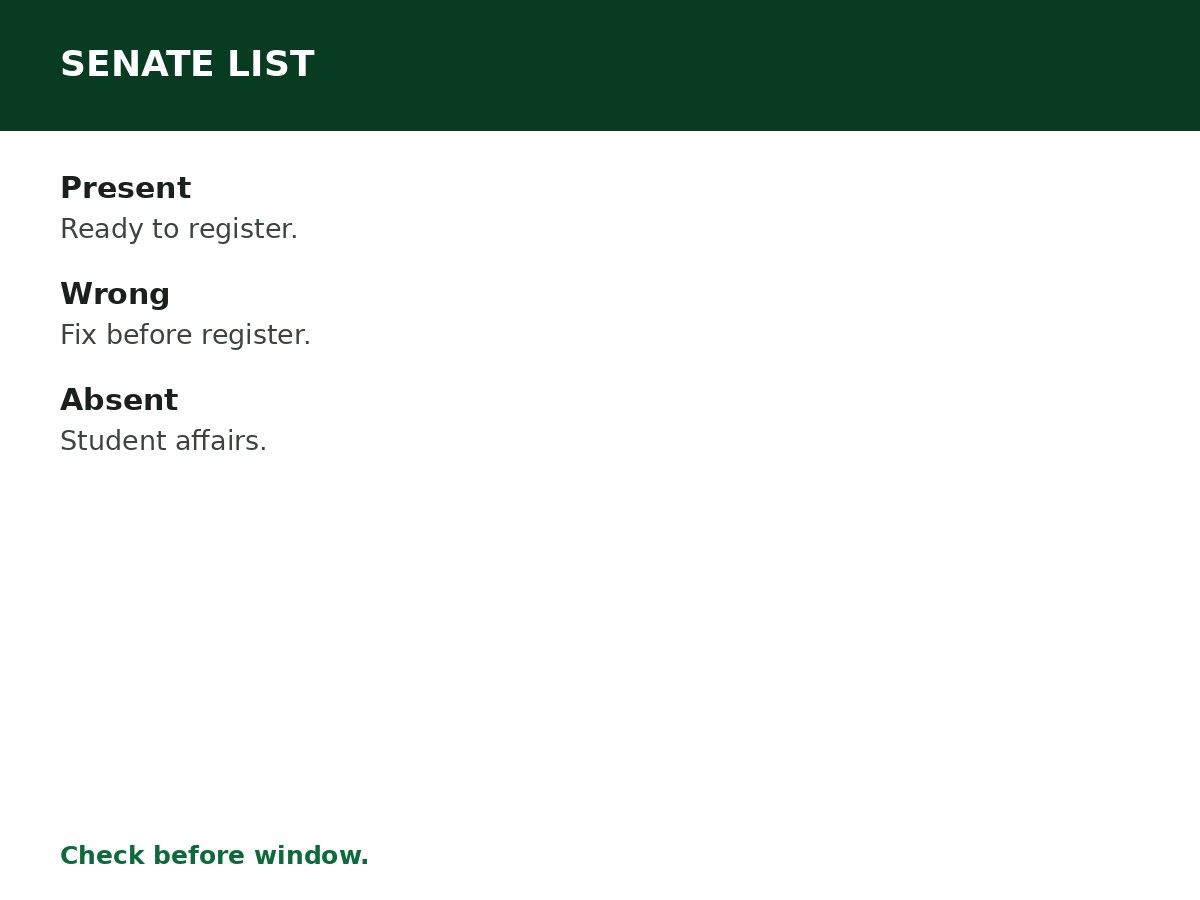
- Name present, details correct — you are ready to register when the window opens.
- Name present, details wrong — course, name spelling, or date of birth mismatch. Resolve with your institution before registration — see the correction guides.
- Name absent — your institution has not uploaded you, or uploaded you under different details. Contact your institution’s student affairs office immediately — do not wait for registration to open.
- Graduated but not uploaded — your institution uploads in batches; confirm with student affairs whether your set has been uploaded, or is still pending.
When senate lists appear
Senate lists appear per batch, as institutions upload their graduating sets. Your institution uploads when its own processing is complete — some institutions upload early in the window, others late, and some upload in sets rather than all at once. A missing name early in the window may mean your set has not been uploaded yet, not that you have been forgotten. The correct move is to confirm with student affairs whether your set is uploaded, pending, or held for a reason — not to panic, and not to pay anyone.
If your set has not been uploaded yet
- Ask student affairs for the upload schedule for your set — which batch it is targeted for.
- Ask whether anything is outstanding on your side — uncleared fees, unreturned library items, incomplete clearance — that holds your upload.
- Clear outstanding items promptly; institutions do not upload graduates with uncleared obligations.
- Keep checking the portal’s senate-list check as the window progresses, and keep your matriculation number and graduation details to hand for each check.
How to contact student affairs effectively
Bring: your matriculation number, your full name as on your certificate, your course and graduation year, and any admission or clearance documents that prove your graduation. State the problem in one sentence — ‘my name is missing from the senate list for Batch X’ — and ask for the specific next step and timeline. Write down who you spoke to and what they said. If the answer is ‘your set is pending’, ask when the next upload is scheduled, and check again after that date.
Related Guides & Next Steps
- NYSC 2026 Batch A, B and C: Complete Guide
- NYSC FAQs for Prospective Corps Members
- How to Resolve NYSC Senate List Problems
- NYSC Call-Up Number Explained
- How to Register for NYSC Online
Frequently asked questions
How do I check my name on the NYSC senate list? On portal.nysc.org.ng, typed directly — find the senate-list check for your batch, enter your details as the portal asks, and read the result.
What if my name is not on the senate list? Contact your institution’s student affairs office immediately — do not wait for registration to open. See the senate-list problems guide.
What if my senate-list details are wrong? Resolve with your institution before registration — course, name spelling, or date of birth mismatches become correction cases later.
Can I register for NYSC without being on the senate list? No — senate-list entry is a registration requirement. Without it, the portal will not accept your registration.
Who uploads the senate list? Your institution — not NYSC, not you. NYSC receives the list; your institution creates it.
Sources and last update
- NYSC portal: portal.nysc.org.ng (typed directly — never via a forwarded link).
- Dates, deadlines, and camp details change every batch — the NYSC official timetable for the batch governs, and no batch-specific date is asserted anywhere in this article, deliberately.
- Scam patterns: agents, fake call-up letters, and payment demands to personal accounts are red flags — NYSC registration is done by the graduate, on the official portal.
- No mobilisation, deployment, or exemption outcome is promised anywhere in this article.
Last updated: 24 October 2026. Guide — review every batch cycle, and on every NYSC timetable announcement.

Written by Olaitan Ilori
Olaitan Ilori is the founder and lead researcher at CareerMedal. He provides verified, practical guides on Nigerian tertiary admissions (JAMB, CAPS, Post-UTME), NELFUND student finance, NYSC service-year survival, and early-career job placement.
View all guides by Olaitan Ilori →