

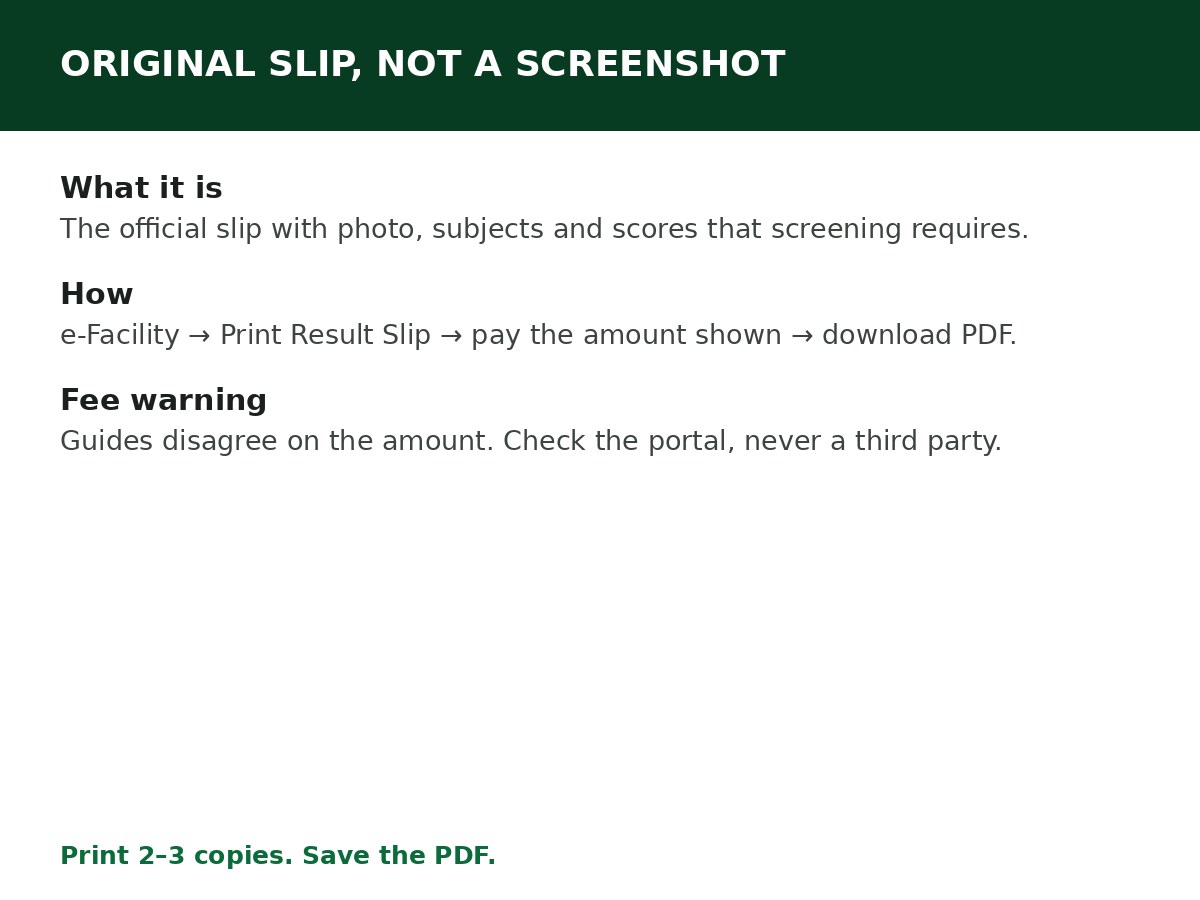
Log in at efacility.jamb.gov.ng, click Print Result Slip (not Result Notification), pay the fee shown on the portal, then download and print your original result slip. This is different from checking your score — the original slip is the official document, with your photo and full subject scores, that institutions ask for during screening.
Two warnings before the steps. First, slip printing is activated separately from score viewing: JAMB releases scores first, and enables slip printing later in the cycle. If the option is not available yet, that does not mean your result is missing. Second, the fee is shown on the portal at checkout — guides report different figures for it, so this article does not state a single amount as fact. Check the amount on the portal before you pay, and do not pay a higher amount to a third party.
What the original slip contains — and why it matters
- Your full name and registration number
- Your passport photograph (if the slip has no photo, it is not valid for official purposes)
- Your UTME subject combination
- Your individual subject scores and total score
Most institutions require this slip for admission screening, clearance and verification. A screenshot of an SMS score, or a printout of a score-check page, is not a substitute. If an institution asks for the “original result slip”, this is the document it means.
How to print it, step by step
Step 1: Go to efacility.jamb.gov.ng and log in with your registered email and password. Type the address yourself. Avoid third-party sites promising faster prints for higher fees — JAMB has warned repeatedly about them, and many exist to collect your details.
Step 2: On your dashboard, find Print Result Slip in the services list. Be careful: click Print Result Slip, not Result Notification. They are different documents.
Step 3: Select your exam year if prompted, and enter your JAMB registration number if asked.
Step 4: The transaction details appear. Click Continue with Payment and pay using one of the portal’s payment options (card, bank transfer, or other supported channels). Confirm the amount on screen before you send money, and keep your transaction reference — payments sometimes take a few minutes to reflect.
Step 5: After successful payment, your original result slip loads. Check it carefully: name, photo, subjects, scores. If anything is wrong, stop and raise it with JAMB before relying on the slip.
Step 6: Download the PDF and print it. Print at least two or three copies on good-quality A4 paper, preferably in colour, and save the PDF on your phone and in cloud storage as a backup. The slip is also sent to your registered email in many cases, so you can print from email later if you cannot print immediately.
If payment succeeds but the slip does not appear
Wait a few minutes and refresh — payment confirmation can lag. If it still does not appear, do not pay again immediately. Check your transaction reference and contact JAMB support or visit an accredited CBT centre or JAMB office with the reference. Paying twice for the same slip is a common, avoidable loss.
If slip printing is not yet enabled for your cycle
Wait for JAMB’s activation announcement for your cycle. Scores by SMS and on the portal remain available in the meantime — see How to Check JAMB Result Online. Do not buy a “slip” from anyone before JAMB enables printing; there is no legitimate slip to sell before then.
Common mistakes
- Printing Result Notification instead of the original slip, then discovering at screening that it is not accepted.
- Logging in with another person’s account to pay. If you do, you will have paid for that person’s slip, not yours. Always log in with your own account.
- Printing only one copy, then losing or damaging it before screening. Print spares now, while the portal is working.
- Paying on a lookalike site. Check the address ends in jamb.gov.ng, and that the payment page is reached from your e-Facility login — not from a link in a group chat.
Related Guides & Next Steps
- How to Check Admission Status on JAMB CAPS
- How to Check JAMB Result Online
- JAMB Admission FAQs for Nigerian Candidates
- How to Calculate JAMB Aggregate Score
- JAMB Cut-Off Mark for Universities Explained
Frequently asked questions
How much does the original result slip cost? It is a paid e-Facility service, and the amount is shown on the portal at checkout. Guides report different figures (some ₦1,000, others ₦1,500 or more), so CareerMedal does not assert a single figure here — confirm the amount on screen before paying.
Is the original result slip the same as my SMS result? No. The SMS gives you your scores. The original slip is the official document with your photo, registration details, subject scores and security features, required for screening.
Can I print the slip at a CBT centre instead? Yes. If you cannot do it yourself, visit an accredited CBT centre or JAMB office and they can help you print it from your profile. Do not use an unaccredited operator for this.
My slip has no passport photograph. Is it valid? No. A slip without your passport photograph is not valid for official purposes. Raise it with JAMB or an accredited centre before using it for screening.
Can I reprint the slip later if I lose it? Yes — as long as slip printing remains enabled for your cycle, you can log in and print it again. That is another reason to save the PDF: reprinting from your own file is free, while a fresh portal print is a paid service.
Sources and last update
- Print Result Slip steps (e-Facility, not Result Notification, payment then download/print, email copy), slip contents and photo-validity rule, cross-checked across multiple independent JAMB guides.
- Fee conflict explicitly flagged: sources report ₦1,000, ₦1,500, and ₦1,500–₦2,000 for the same service in 2026, so no single figure is asserted.
Last updated: 24 October 2026. Evergreen guide — review every 3–6 months and on every JAMB result-cycle announcement.

Written by Olaitan Ilori
Olaitan Ilori is the founder and lead researcher at CareerMedal. He provides verified, practical guides on Nigerian tertiary admissions (JAMB, CAPS, Post-UTME), NELFUND student finance, NYSC service-year survival, and early-career job placement.
View all guides by Olaitan Ilori →