
NYSC deployment is the state you are posted to for your service year — and you check it on your dashboard on portal.nysc.org.ng, after camp posting. Your deployment state is on your call-up letter first (your camp state), and your PPA posting follows camp. This guide shows you where each piece of deployment information lives, and what to do if it is missing.
Where deployment information lives
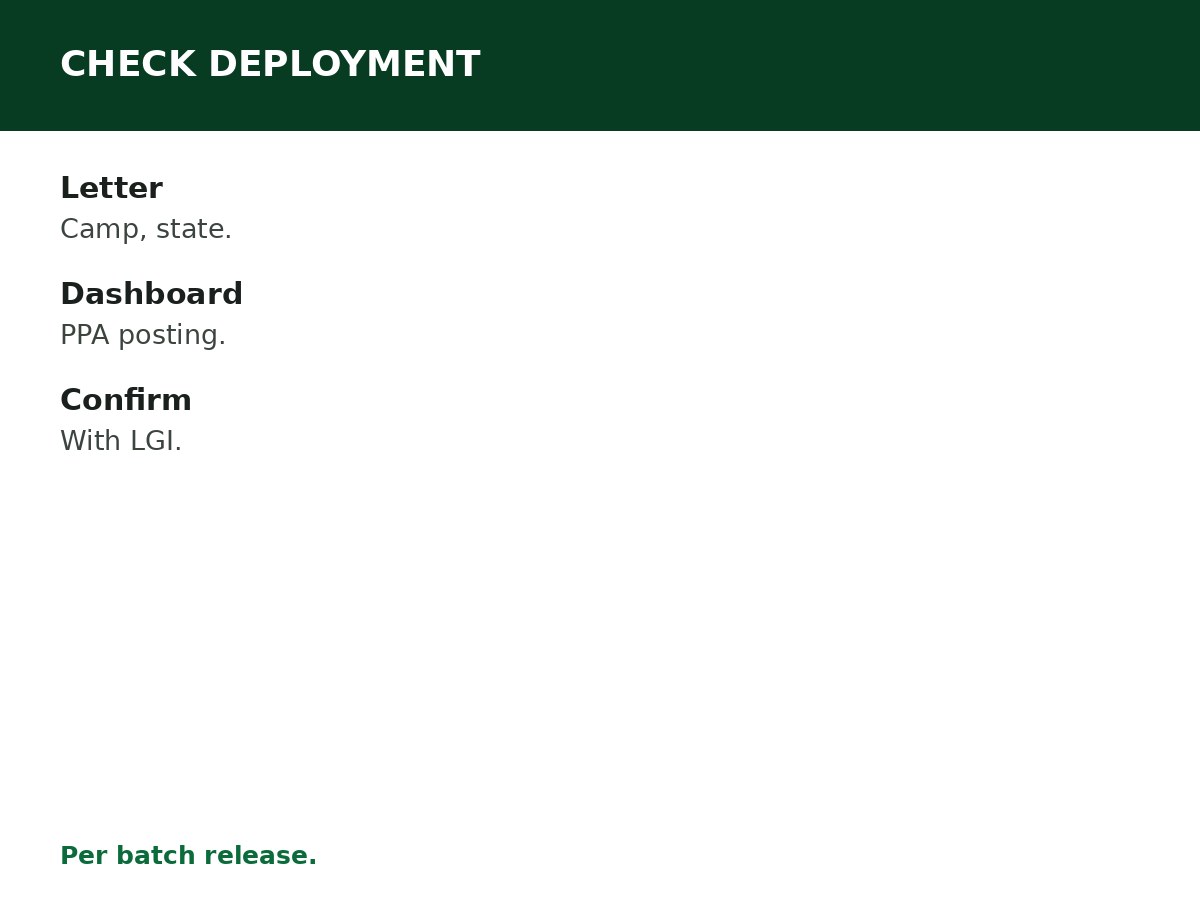
- Call-up letter — your orientation camp and deployment state. Your camp runs in your deployment state.
- Dashboard — your deployment details after camp, including your PPA posting, once NYSC releases postings for your batch.
- Camp posting — at the end of orientation camp, you receive your PPA posting letter, naming your Place of Primary Assignment.
- State secretariat and LGI — your Local Government Inspector (LGI) confirms your posting at the local government level after camp.
How to check, step by step
- Sign in to portal.nysc.org.ng (typed directly) with the account you registered with.
- Find the deployment or posting section on your dashboard, once NYSC releases postings for your batch.
- Read your PPA posting: organisation name, location, and reporting instructions.
- Report to your PPA as instructed, with your posting letter and other camp documents.
- Confirm your posting with your LGI at the local government secretariat.
If your deployment is missing or wrong
- Not yet released — postings are released per batch. Wait for NYSC’s release, and check the portal, not groups.
- Wrong account — confirm you are signed in to the account you registered with. Postings do not transfer between accounts.
- Posting error — report it through your LGI and state secretariat, with your posting letter as evidence. Do not pay anyone to ‘correct’ a posting.
Related Guides & Next Steps
- NYSC 2026 Batch A, B and C: Complete Guide
- NYSC FAQs for Prospective Corps Members
- How NYSC State Deployment Works
- NYSC Relocation: Requirements and Process
- How to Print NYSC Call-Up Letter
Frequently asked questions
How do I check my NYSC deployment? On portal.nysc.org.ng, typed directly — your deployment state is on your call-up letter, and your PPA posting appears on your dashboard after camp.
When is NYSC deployment released? Per batch — your camp state is on your call-up letter, and your PPA posting follows orientation camp.
What is the difference between deployment state and PPA? Deployment state is the state you serve in; PPA is the specific organisation you are posted to within that state, after camp.
What if my deployment is missing on the dashboard? Wait for NYSC’s release for your batch, and confirm you are signed in to the account you registered with.
Can I change my NYSC deployment? Only through the relocation process, on grounds NYSC recognises — see the relocation guides. Deployment is not changed by payment.
Sources and last update
- NYSC portal: portal.nysc.org.ng (typed directly — never via a forwarded link).
- Dates, rates, and camp details change per batch — the NYSC official timetable and announcements for the batch govern, and no batch-specific date is asserted anywhere in this article, deliberately.
- Scam patterns: agents, fake deployment letters, and payment demands to personal accounts are red flags — NYSC deployment and relocation are handled on the official portal.
- No deployment, relocation, or exemption outcome is promised anywhere in this article.
Last updated: 24 October 2026. Guide — review every batch cycle, and on every NYSC announcement.

Written by Olaitan Ilori
Olaitan Ilori is the founder and lead researcher at CareerMedal. He provides verified, practical guides on Nigerian tertiary admissions (JAMB, CAPS, Post-UTME), NELFUND student finance, NYSC service-year survival, and early-career job placement.
View all guides by Olaitan Ilori →