
Most JAMB registration mistakes are not made by careless candidates. They are made by candidates in a hurry, at a crowded centre, trusting someone else with their details. This article lists the mistakes that actually cost candidates admission, in the order they happen — so you can check yourself against each one before you leave the centre.
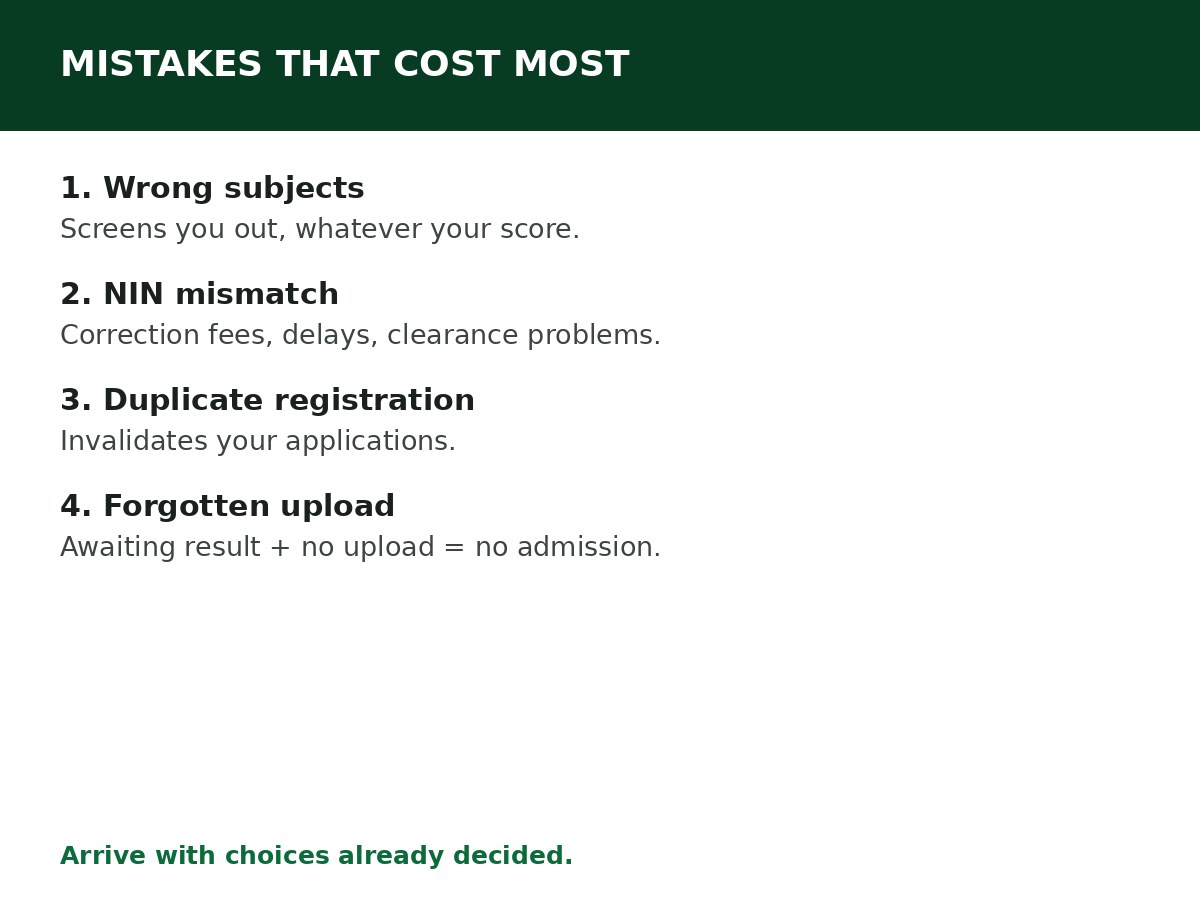
1. Wrong subject combination
The single costliest mistake. Your four UTME subjects must match your intended course’s approved combination — see JAMB Subject Combination Guide for All Major Courses. A wrong combination is not fixed by a high score; it screens you out of the course entirely. Check the brochure entry for your course before registration, not after results.
2. Name, date of birth, or gender that does not match NIN
JAMB pulls biodata from NIMC. If your JAMB details differ from your NIN record, you will face correction fees, delays, and clearance problems — and personal-data corrections can only be done once each. Check your NIN slip before registration, and make sure the centre enters your details exactly as they appear on it. See How to Correct Name on JAMB Portal and related correction guides if you are already past registration.
3. Multiple profiles or duplicate registration
Register only once per cycle. Creating a second profile because the first had an error, or because an agent told you to “start afresh”, invalidates your applications. If there is an error in your registration, use JAMB’s correction process — do not register again.
4. Wrong email or phone number
Your registered email and phone number are how you recover your profile, receive notifications, and access e-Facility. An email you cannot open, or a phone number that is not yours, locks you out of your own profile. Use an email you control and a phone number you will keep for the whole admission cycle.
5. Registering at an unaccredited centre — or through an agent who does
Registration must be done at a JAMB-accredited CBT centre. Unaccredited operators and agents who “help” from outside the system create registrations with wrong biometrics, wrong details, or no valid record at all. If biometrics fail at a centre, do not let anyone “force” the registration — JAMB’s guidance says to go to a JAMB office in that case.
6. Forced or failed biometrics
Fingerprint and photo capture are compulsory. A registration completed with failed or someone else’s biometrics is a registration that will fail verification later. If capture fails, retry at another accredited centre or visit a JAMB office — do not accept a workaround.
7. Choosing institutions and courses without checking cut-offs
Choosing four institutions by reputation, without checking their general and departmental cut-offs, your aggregate, and their screening dates, wastes choices. Check cut-offs first — see the cut-off guides for universities, polytechnics and colleges of education — and choose institutions your scores can actually reach.
8. Forgetting the awaiting-result upload
If you registered with awaiting result, your registration is incomplete until you upload your actual result at an accredited CBT centre once it is released, and verify it on CAPS. This is the commonest post-registration mistake, and it blocks admission entirely. See JAMB Awaiting Result: What Candidates Should Do.
9. Paying third parties for JAMB services
JAMB services have official fees on the official portal. Paying an agent, a group admin, or a “JAMB official” on social media for registration, slip printing, result checking, correction, or admission is how candidates lose money and, worse, hand over their login details to someone who can change their choices. Use efacility.jamb.gov.ng and accredited centres only.
10. Not checking CAPS — including Transfer Approval
After registration, admission is processed on CAPS. Candidates who never check CAPS miss offers, miss transfer approvals (where an institution offers a different course and the candidate must accept the transfer on CAPS), and miss deadlines. Check CAPS regularly during the admission cycle, and check every tab — see JAMB CAPS Explained for First-Time Candidates.
11. Missing slip printing and exam-day preparation
Not printing your examination slip early, not visiting your centre before exam day, and arriving late are all avoidable. Print at least two copies as soon as slip printing opens, visit the centre beforehand, and arrive early — see How to Print JAMB Examination Slip.
12. Sharing your login details
Your e-Facility email and password, and your profile code, are yours alone. Sharing them with a centre operator, a friend, or an agent lets someone else change your choices, check your results, or accept/reject offers on your behalf. If someone needs to help you, be present while they help, and change your password afterwards if you shared it.
A pre-submission checklist for registration day
- [ ] Subject combination matches the brochure entry for my course
- [ ] Name, date of birth, gender, state/LGA match my NIN record exactly
- [ ] Email and phone number are mine and accessible
- [ ] Institution and course choices checked against cut-offs and screening dates
- [ ] Biometrics captured successfully (fingerprint and photo)
- [ ] Registration slip printed and details checked, line by line
- [ ] If awaiting result: upload plan noted, for the day the result is released
Related Guides & Next Steps
- How to Correct Name on JAMB Portal
- How to Print JAMB Examination Slip
- JAMB Awaiting Result: What Candidates Should Do
- JAMB CAPS Explained for First-Time Candidates
- JAMB Subject Combination Guide for All Major Courses
Frequently asked questions
I already made one of these mistakes. Is it too late? Usually not. Most registration errors have a correction route — data correction, change of course/institution, O’Level upload — while the relevant window is open. Find the specific guide for your mistake and act quickly, rather than registering again.
Can I register twice to fix a mistake? No. Duplicate registration invalidates your applications. Use the correction process.
What is the worst registration mistake? Wrong subject combination, because it cannot be fixed by a good score — only by a change of course to one your subjects support, while the window is open.
Should I let a CBT centre operator choose my institutions for me? No. Operators process your choices; they do not make them. Arrive with your institutions, courses, and subjects already decided from the brochure.
Sources and last update
- Mistakes compiled from JAMB’s published registration guidance and the failure modes documented across CareerMedal’s own JAMB guides (subject combination, NIN matching, single registration, biometrics, awaiting upload, CAPS checking).
- This article is CareerMedal’s synthesis, not a quotation of any single competitor guide.
Last updated: 24 October 2026. Evergreen guide — review every 3–6 months and on every JAMB registration-cycle announcement.

Written by Olaitan Ilori
Olaitan Ilori is the founder and lead researcher at CareerMedal. He provides verified, practical guides on Nigerian tertiary admissions (JAMB, CAPS, Post-UTME), NELFUND student finance, NYSC service-year survival, and early-career job placement.
View all guides by Olaitan Ilori →